How to activate Harvest integration
Last updated 8 months ago
NB You need to have a BI Book account to be able to connect your Harvest data to BI Book. If you do not have BI Book account check the instructions here: help.bibook.com/en/articles/how-to-activate-bi-book
Instructions on how to connect Harvest to BI Book
Log in to your BI Book account.
Go section "management" and inside management to section "integrations".
Find Harvest connector on the list
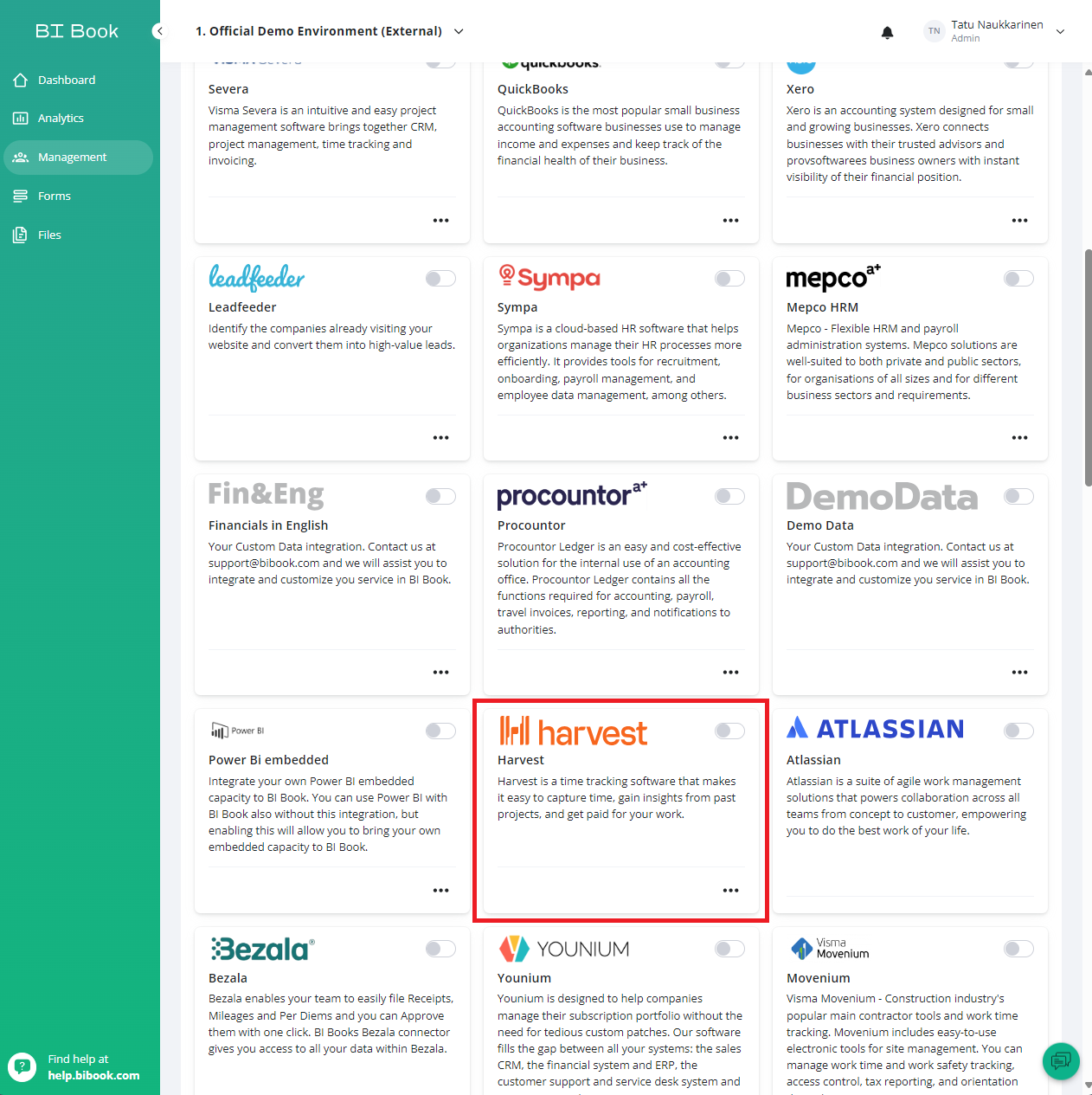
Press the dot on the right corner of the Harvest connector. After that you will be redirected to Harvest login page. Log in with your Harvest credentials.
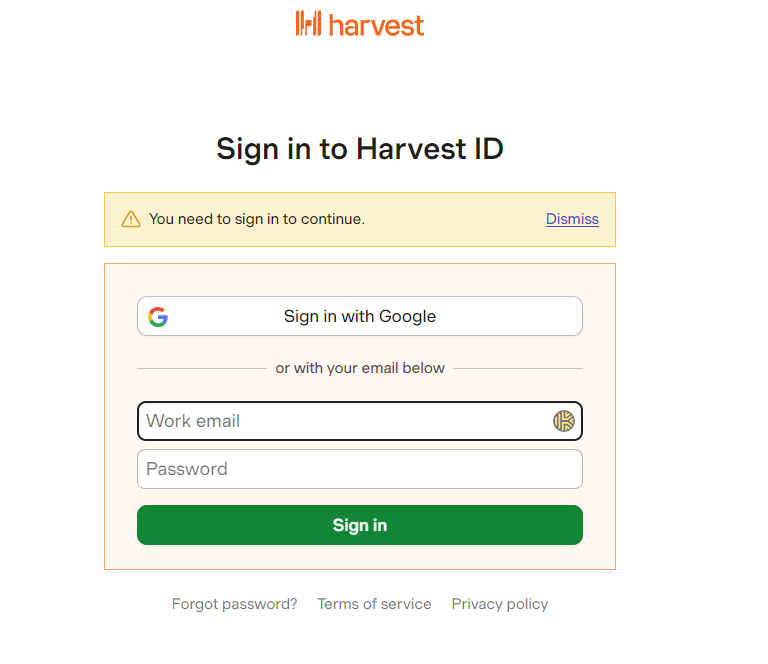
After you have logged in, page might ask you to "give the access" to integration. Give access and you should be redirected back to your BI Book environment.
Integration should be now open between BI Book - Harvest.
If you get any questions or your not sure if the activation went through correctly, please contact us.
Was this helpful?
Still need help? Ask the team