How to activate Teamtailor integration
Last updated 8 months ago
Teamtailor is a great applicant tracking system but it still requires in-depth analytics, and that's where Power BI / BI Book comes in.
You can read more detailed information on our website.
Instructions on how to connect Teamtailor to BI Book
To get started, generate and provide us with your API key:
Most, if not all, of the web service methods require you to provide an API key. The API key is a unique string used to identify which unit the call is made for. The unit is an organizational entity in Teamtailor (organization / company).
NB You need to have a BI Book account to be able to connect your Teamtailor data to BI Book.
Log in to Teamtailor with administrative rights
Go to https://app.teamtailor.com/app/settings/integrations/api_keys
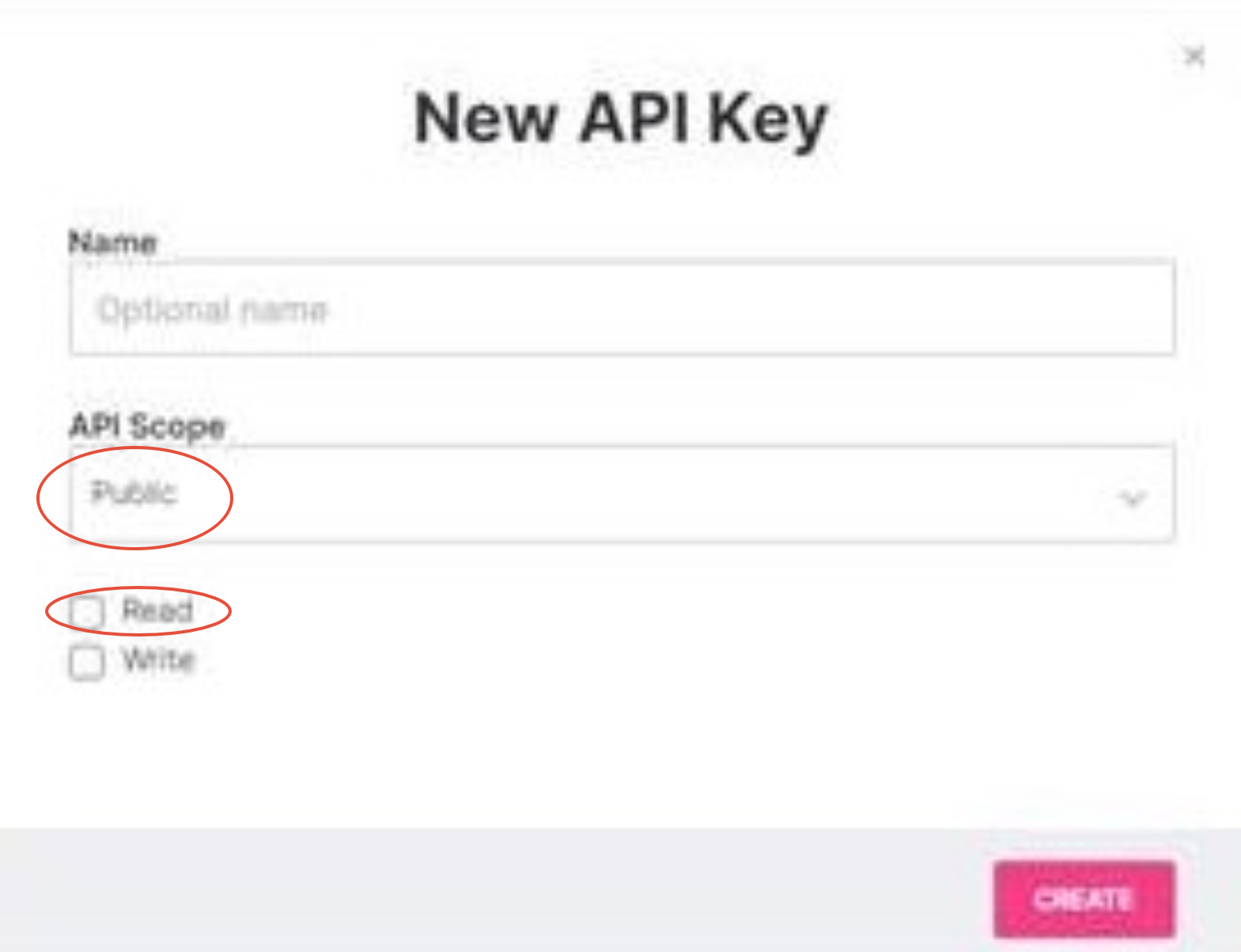
Click +NEW API KEY in the upper right-hand corner
Choose Public in the "API Scope" drop-down list and check Read. You can also name the API key if you wish to
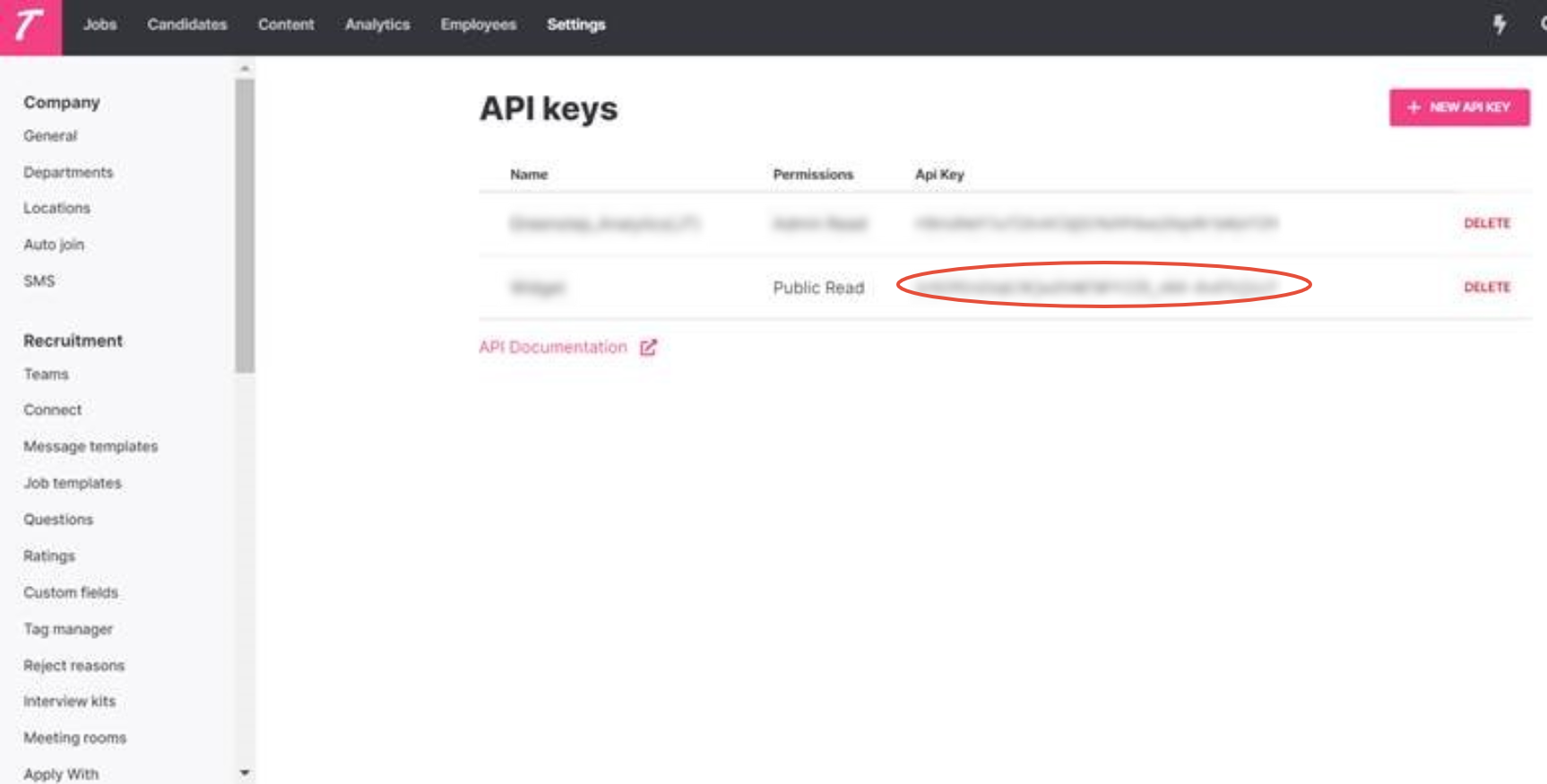
Copy the API key
Paste the API key to the BI Book integration window on BI Book from here and choose the Teamtailor integration
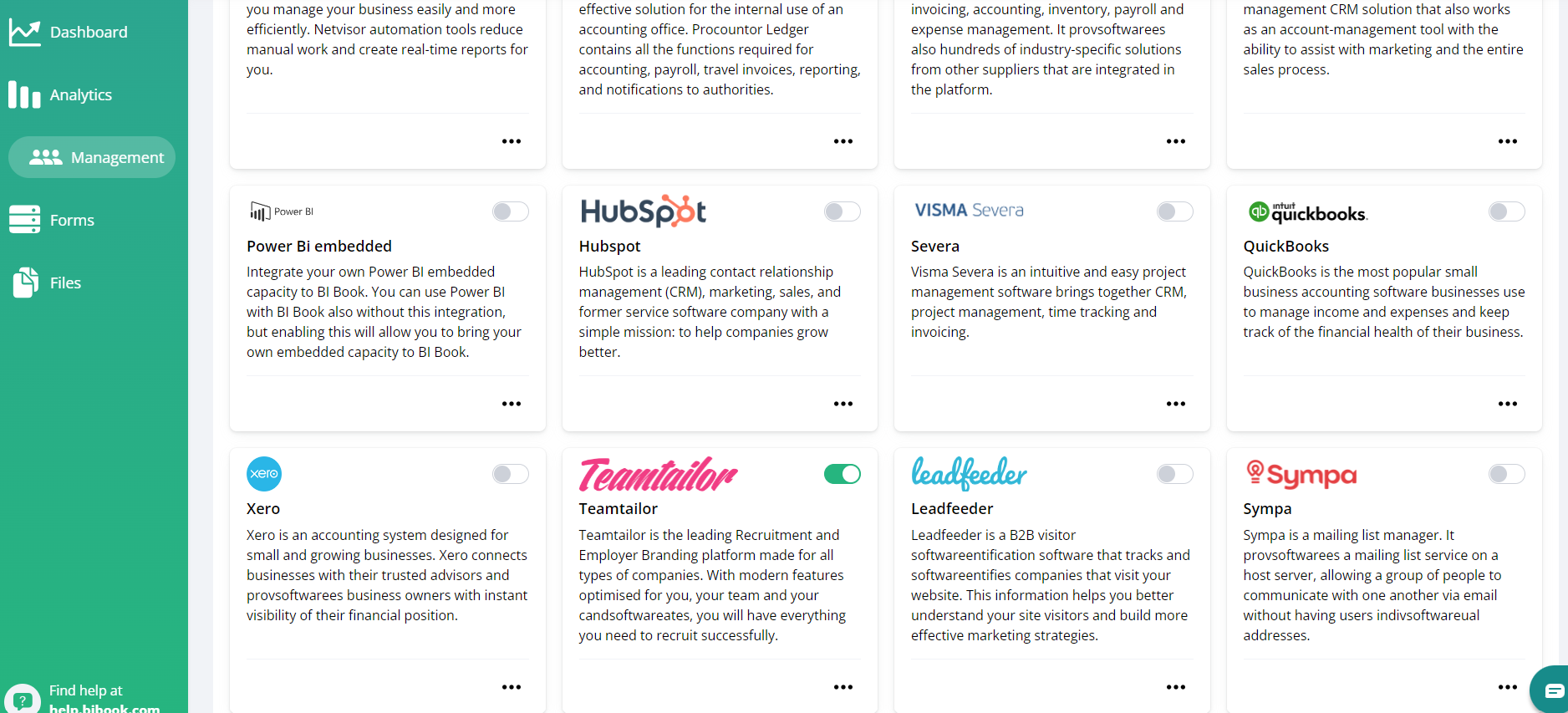
Press Connect Service. The integration will start automatically and the report will be published as soon as the data has been retrieved. This can take up to a few hours, depending on the amount of data your account contains. Do not try to reactivate. Please be in contact if the report is not available within two hours.
Teamtailor API documentation
The connection is used by us only to get data, not to change or add data to Teamtailor. This data is updated once a day. Please check out Teamtailor's own API reference if you wish to learn more about the subject.
Was this helpful?
Still need help? Ask the team