How to activate Rackbeat integration
Last updated 8 months ago
In order to activate Rackbeat integration in BI Book please provide Rackbeat API token during the activation process:
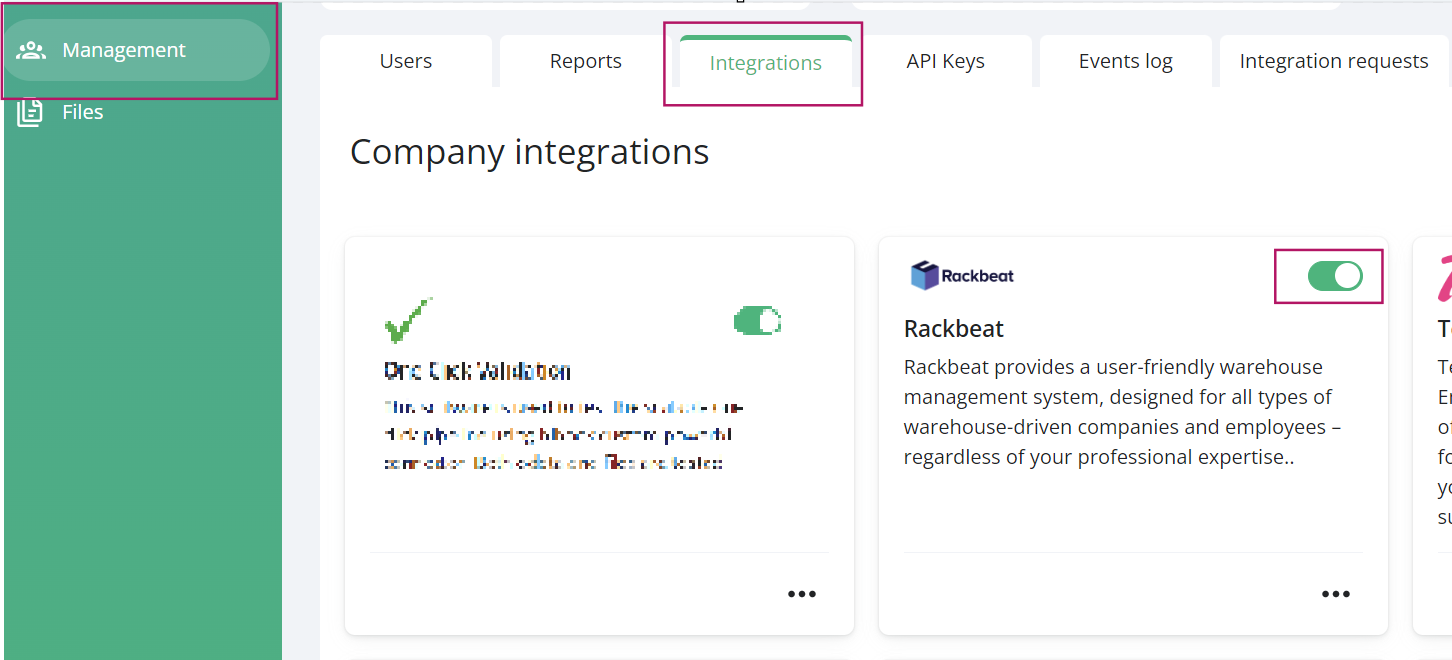
BiBook -> Management -> Integrations -> enable Rackbeat toggle switch
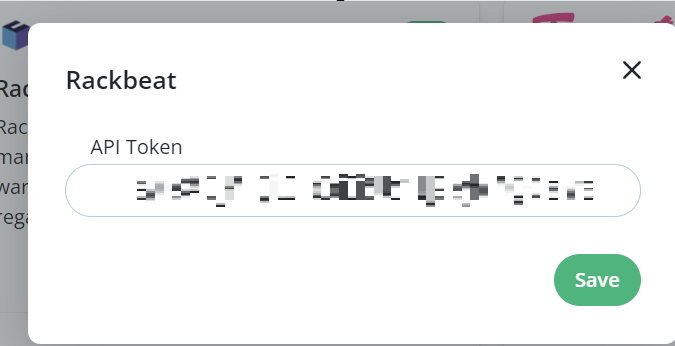
You will be invited to input Rackbeat API token:
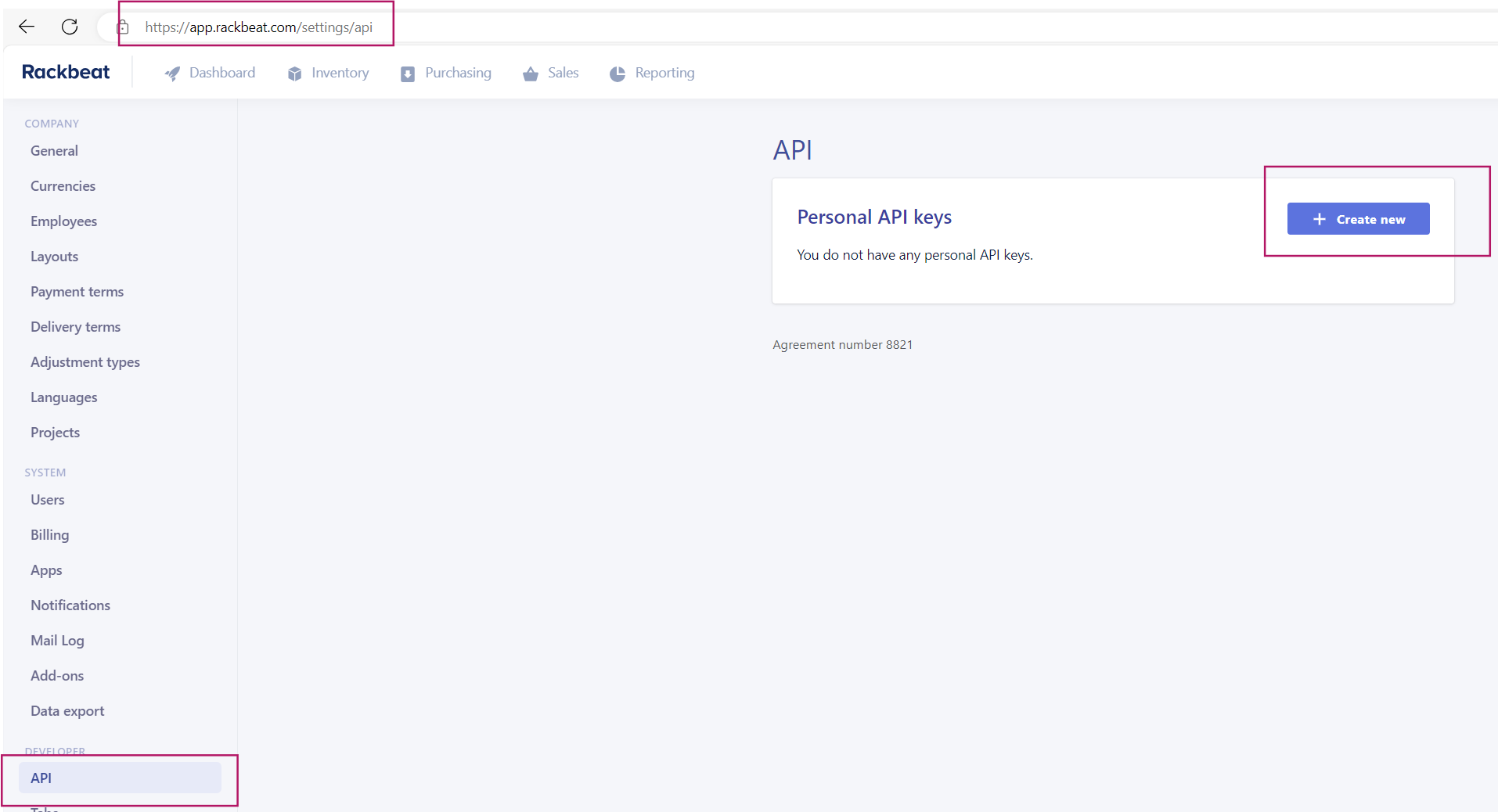
You can get the Rackbeat personal API token by logging in to Rackbeat -> Settings -> API -> Create new:
You can learn more about Rackbeat API here: Authentication | API (stoplight.io).
Was this helpful?
Still need help? Ask the team