How to activate Directo integration
Last updated 8 months ago
Log in to BI Book with administrative rights. Please refer to these instructions if you do not have a BI Book account.
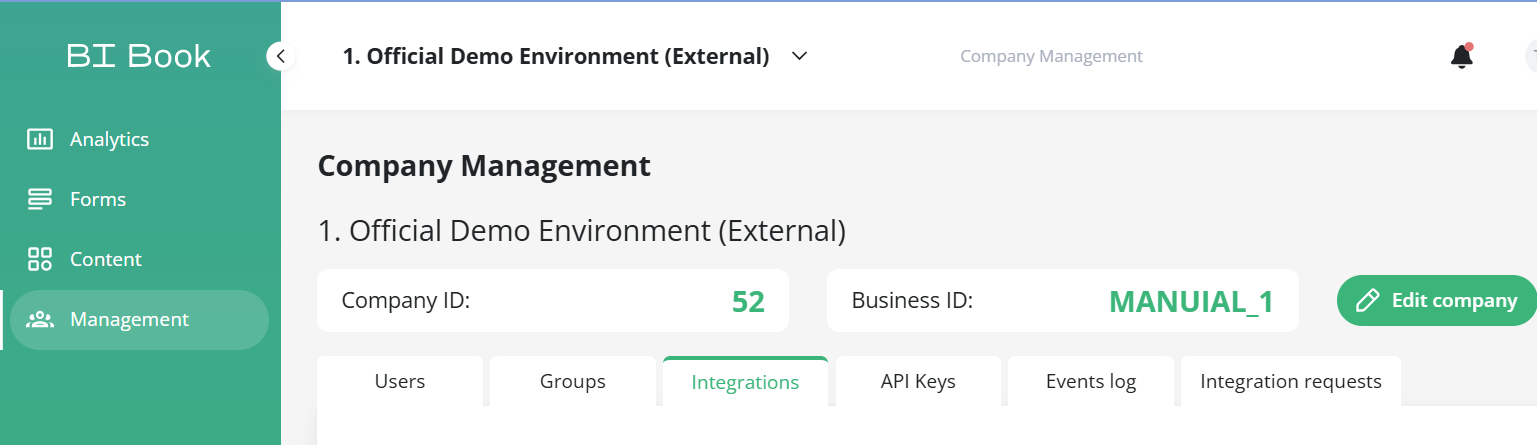
Go to Management, choose the Integrations tab, and look for the Directo integration. Click the button next to it.
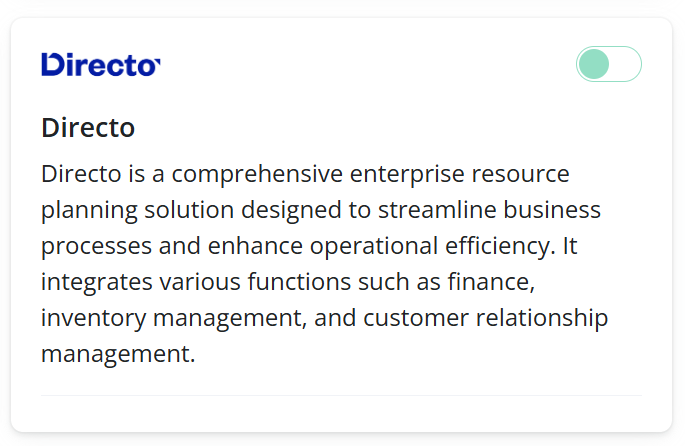
Refer to official documentation.
Get API token or API key from Directo.
Note that URL differs for each unique Directo environment if you have multiple companies.
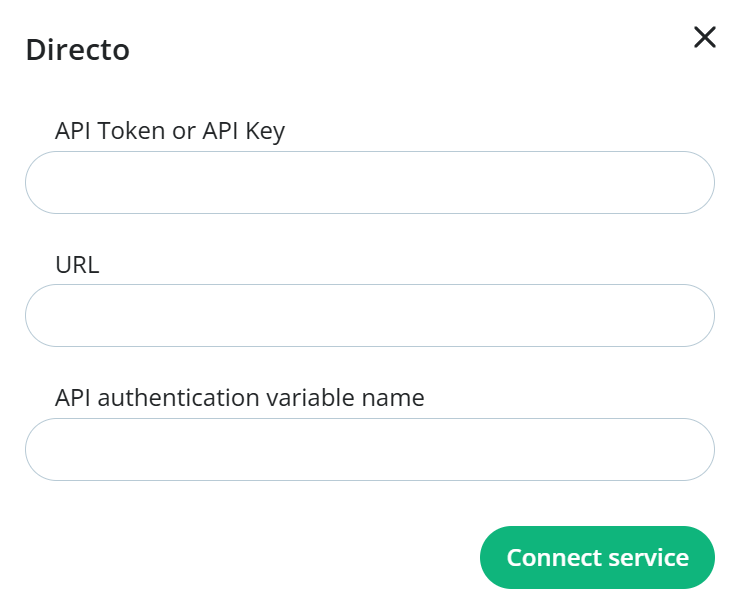
Following explains if API authentication variable name is token or key
If you use BI Direct the API authentication variable name is token
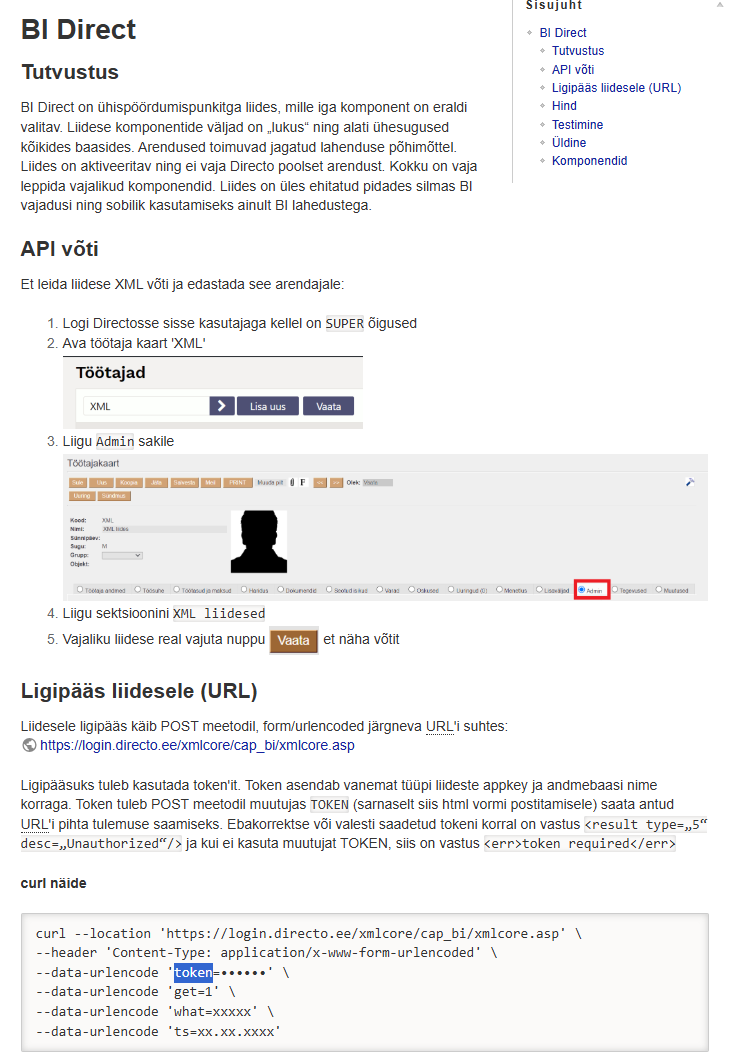
If you use XML Direct the API authentication variable name is token
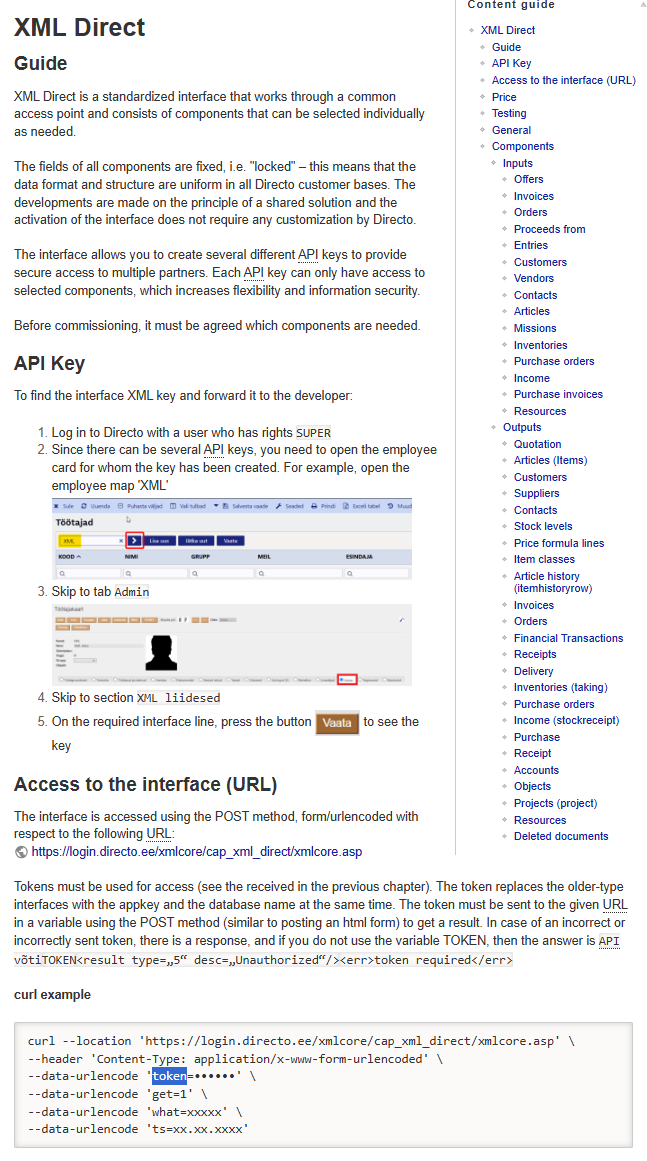
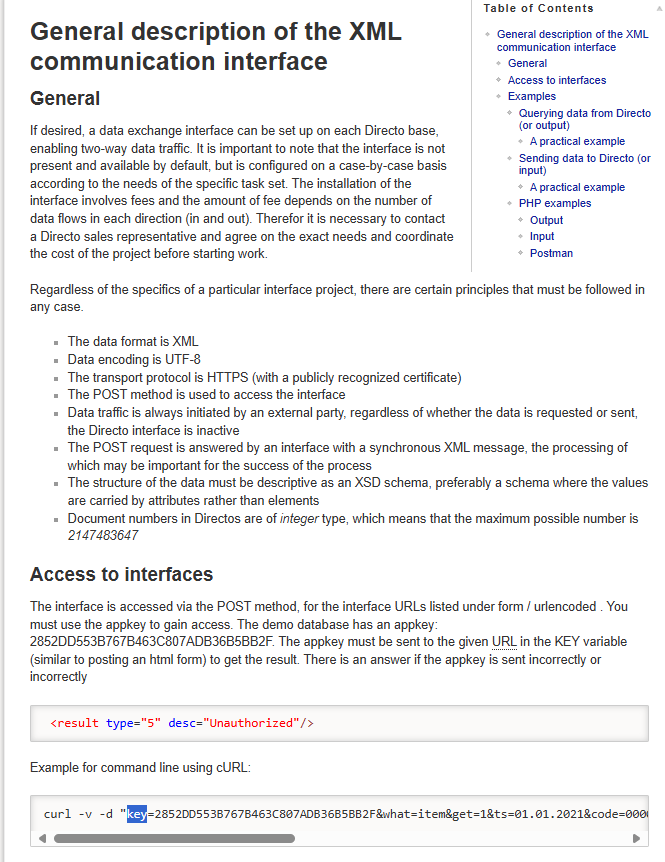
If you use the XML communication interface the authentication variable name is key
After activation send Directo support following email: info@directo.ee
Hello,
Please provide us list with all available entities thru API and the API url on company basis.
Meaning all options that can be specified in
{"what": "object", "get": 1}
in the API POST calls for all XXX companies.
And after response forward the email to integrations@greenstep.com This helps us to align with analyst to make sure all necessary data is available.
Was this helpful?
Still need help? Ask the team