How to activate FareHarbor integration
Last updated 8 months ago
Prerequisites:
Contact your FareHarbor customer support person via email or support@fareharbor.com if not known.
Include as CC: integrations@greenstep.com and your analyst if you are existing customer of Greenstep.
Email header:
API access for business analytics though BI Book / Greenstep Oy
Email body:
Hello,
We would like to request API access through BI Book / Greenstep Oy API App key. API key requires wide read rights to content for analytics purposes. Once we establish initial connection, we will contact you about webhook details. We require the following:
New API User key for our company
And please also give us the estimate time of delivery.
Thank you.
Log in to BI Book with administrative rights. Please refer to these instructions if you do not have a BI Book account.
Go to Management, choose the Integrations tab, and look for the FareHarbor integration. Click the button next to it.
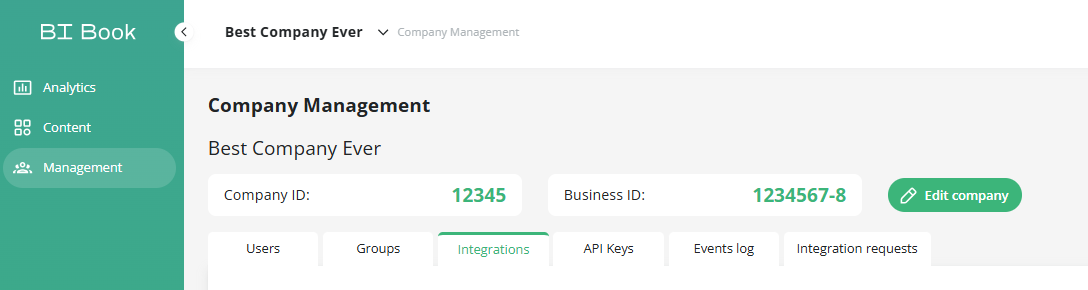
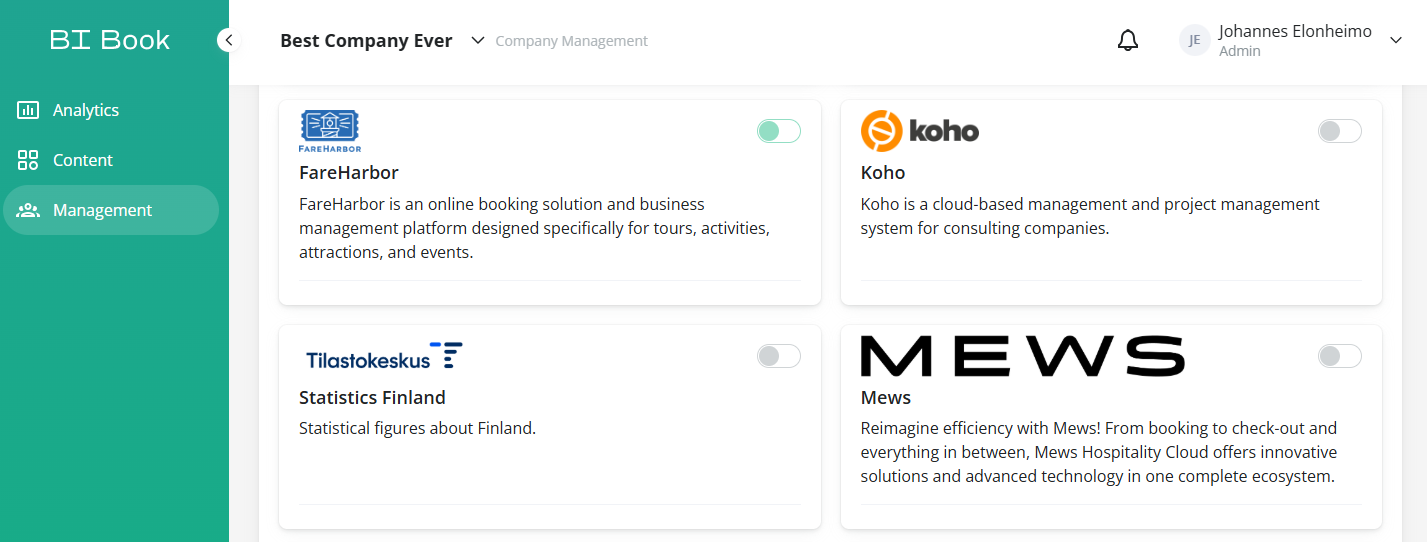
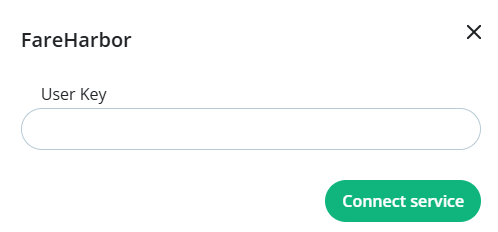
Fill in the Api User Key and click Connect Service
Was this helpful?
Still need help? Ask the team