Viewing a user's access list
Last updated 8 months ago
The User management in BI Book is very easy.
In this article, we guide you how to view the list of reports which can be viewed by another users.
Instructions to view a user's access list
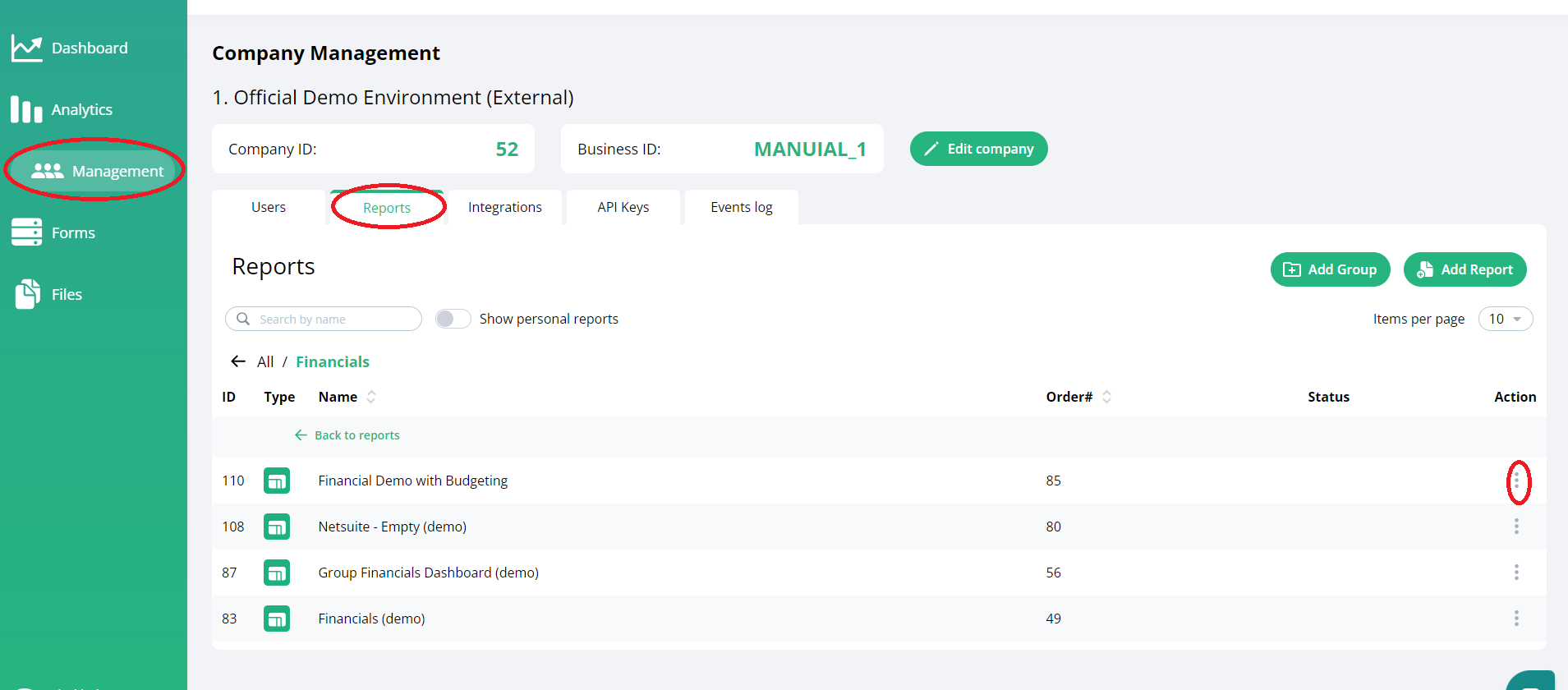
Log in BI Book with admin rights
Go to Company management and choose the reports tap
step 3: choose the report and click "3 dots" section on left side of the report
Was this helpful?
Still need help? Ask the team