How to activate BI Book
Last updated 8 months ago
Glad to hear that you've decided to try out BI Book!
How to create BI Book environment?
Log into the service and creating new environment takes place through the same process.
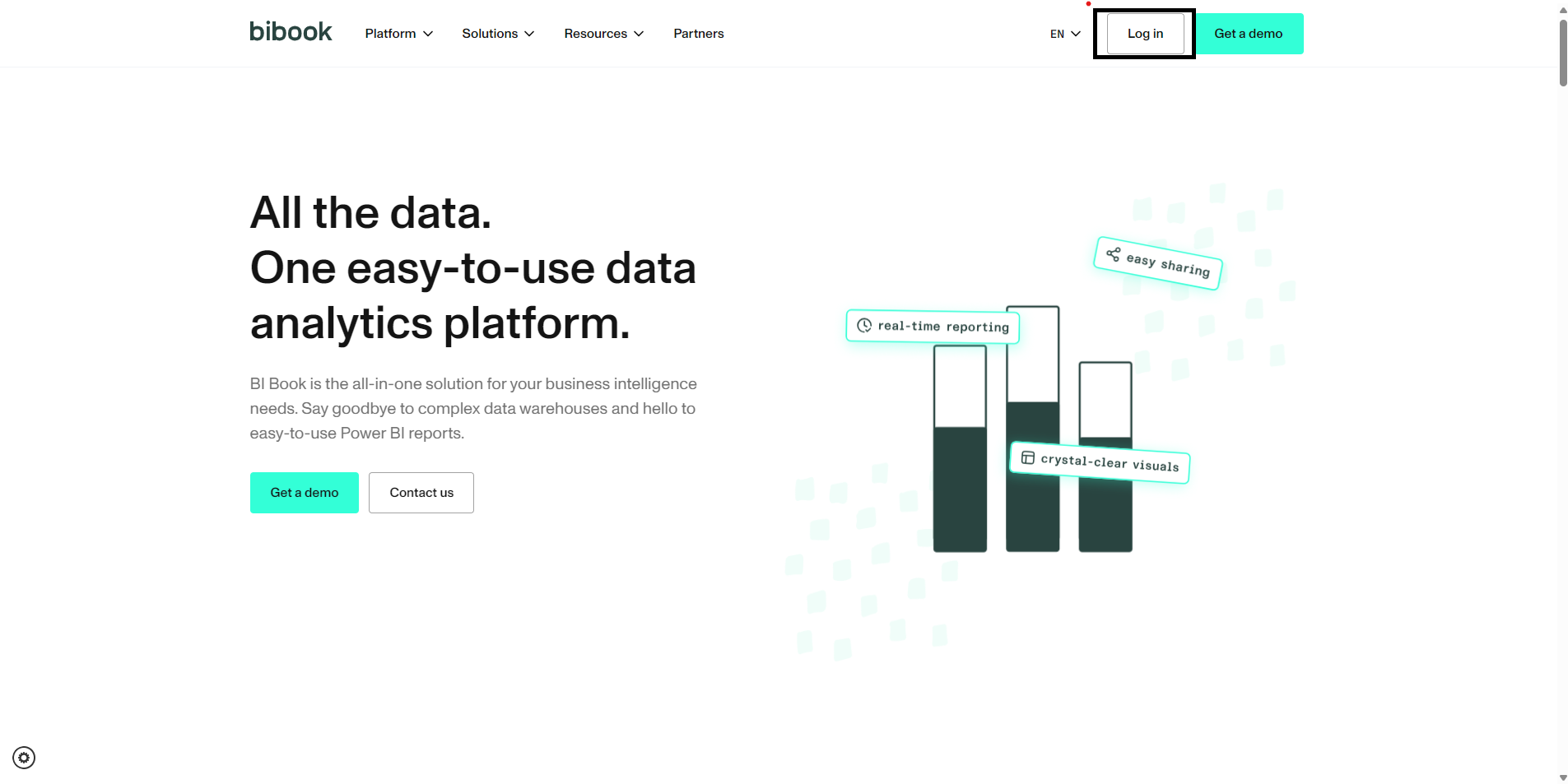
Go to our website
log in to BI Book on top right of the site
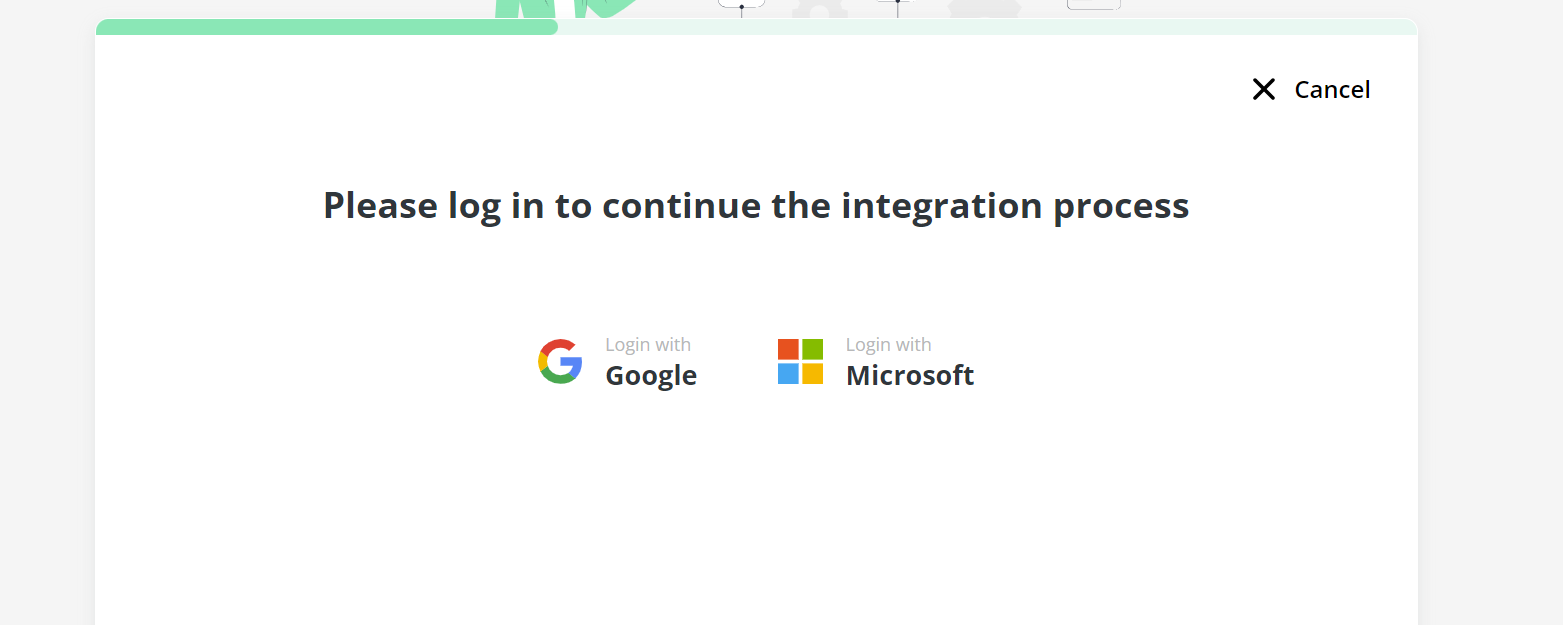
Login in with your organization email provider (Google or Microsoft)
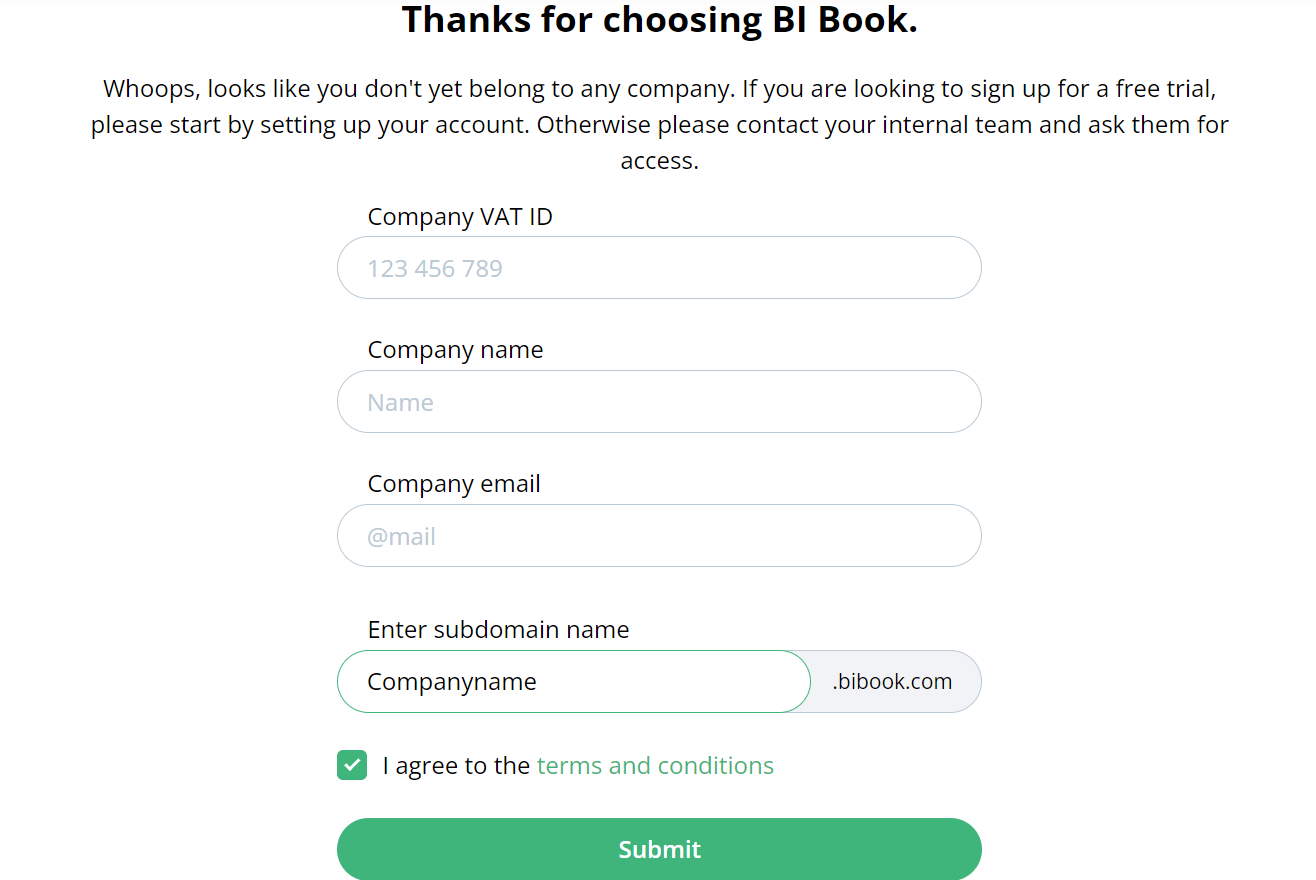
When you have completed the login, the service will direct you either to an existing environment, if you are in one. However, if you do not belong to any environment, a window will appear where you can create your own environment and domain for your company.
Once you've activated the BI Book, you will be invited to login for the first time. Please see this article if you have troubles with logging in: help.bibook.com/en/articles/logging-in-for-the-first-time
Integrating BI Book with your business system
You can integrate most frequently integrated systems through BI Book on integrations sections. How ever, if you can't find the system you would like to integrate, contact us at support@bibook.com and we'll see together with you on how it can be done.
BI Book activation process FAQ
Q: How does the admin take action on admin consent requests?
A: Check out from here Microsoft's own instructions on how to do it. If you have previously enabled the admin consent workflow you can go straight to the Review and take action on admin consent requests section, otherwise start from the top.
Was this helpful?
Still need help? Ask the team