How to activate Tripletex integration
Last updated 8 months ago
NB You need to have a BI Book account to be able to connect your Tripletex data to BI Book. If you do not have BI Book account check the instructions here: help.bibook.com/en/articles/how-to-activate-bi-book
Instructions on how to connect Tripletex to BI Book
Log in to your BI Book account.
Go section "management" and inside management to section "integrations".
Find Tripletex connector on the list.
Press the dot ->
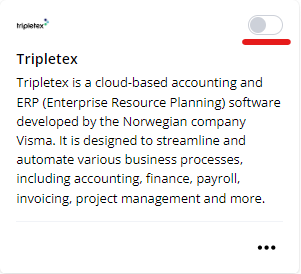
The User interface then asks for Tripletex EmployeeToken. Provide this when activating.
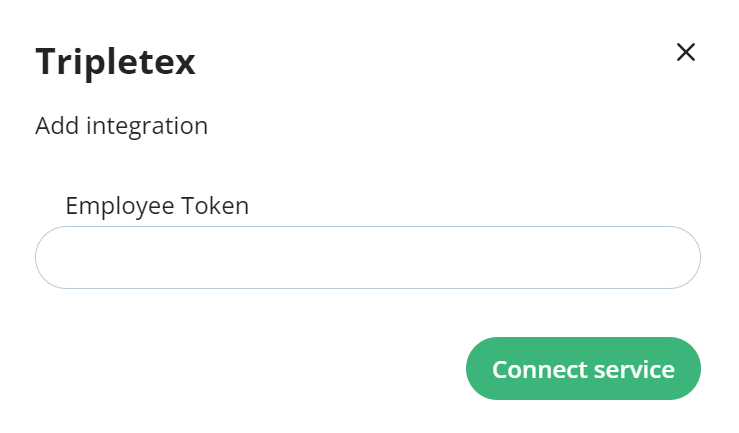
Follow these instructions to get Tokens
To get the employeeToken follow instructions here: Authentication and tokens – Tripletex – For Developers
MAKE SURE YOU WRITE Renance_BIBook as the Application name when creating the employeetoken
employeeToken is a token created by an administrator in your Tripletex account via the user settings and the tab "API access". Each employee token must be given a set of entitlements
Reference: tripletex api docs
Was this helpful?
Still need help? Ask the team