How to activate HaileyHR integration
Last updated 8 months ago
Before activating Hailey HR, you must have created a BI Book environment for your company. The following link provides instructions for setting up the environment: How to create BI Book environment
Once you have the environment created, you can follow the activation instructions below.
Instructions on how to connect Hailey HR to BI Book
To get started, generate and provide us with your API key:
They API key can be retrieved either by and Administrator or someone that has the right to edit integrations in your account.
To retrieve API-key, go to Hailey HR, click on your profile picture/initials at the top right and "Access tokens".
Name the key and generate. (Be aware that you only have access to the API key in the moment when generated, so be ready and sure to copy it immediately.
API keys are valid for one year on Hailey HR. Therefore, you need to generate a new keys once a year. Delete old key and generate a new one when this time comes up.
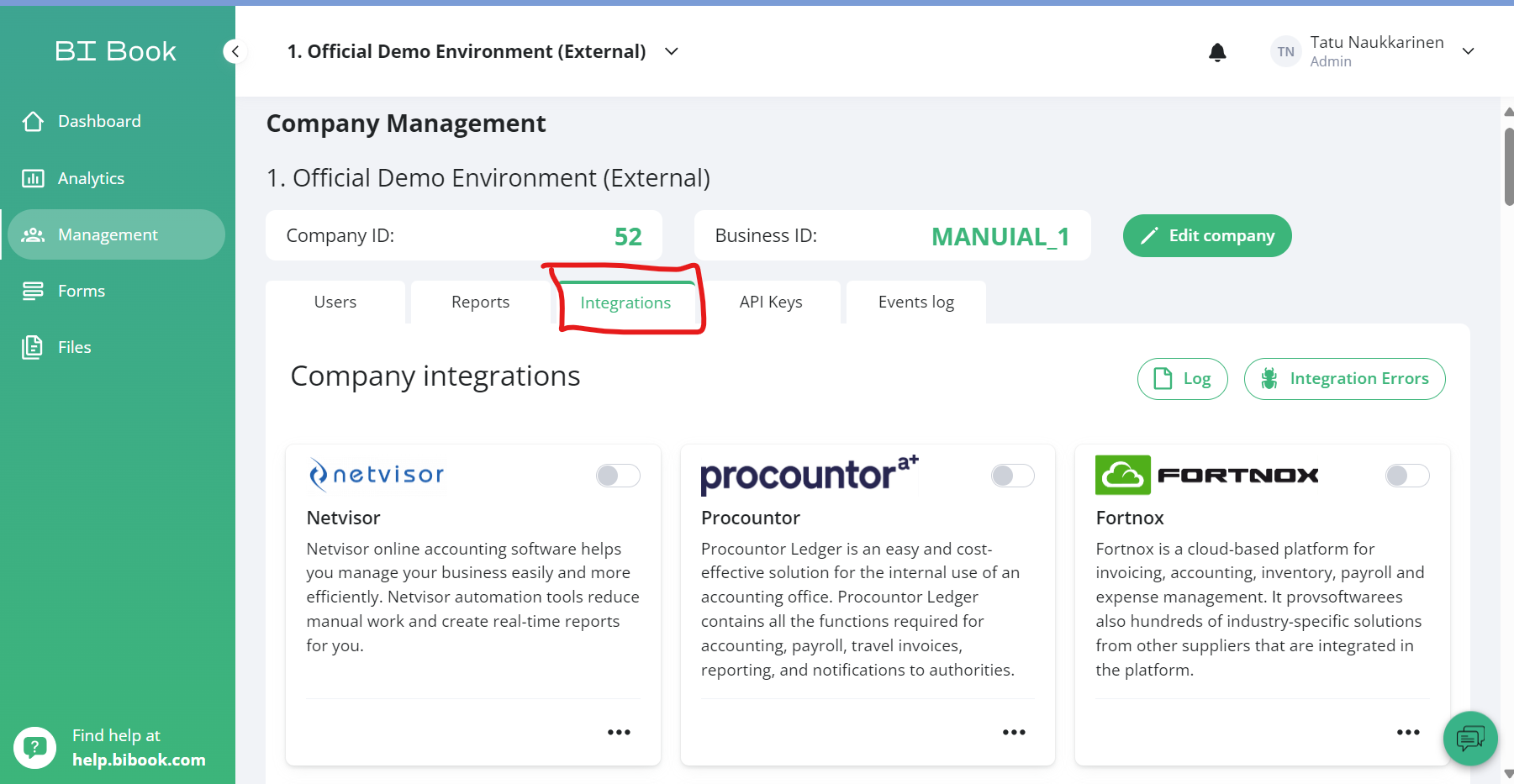
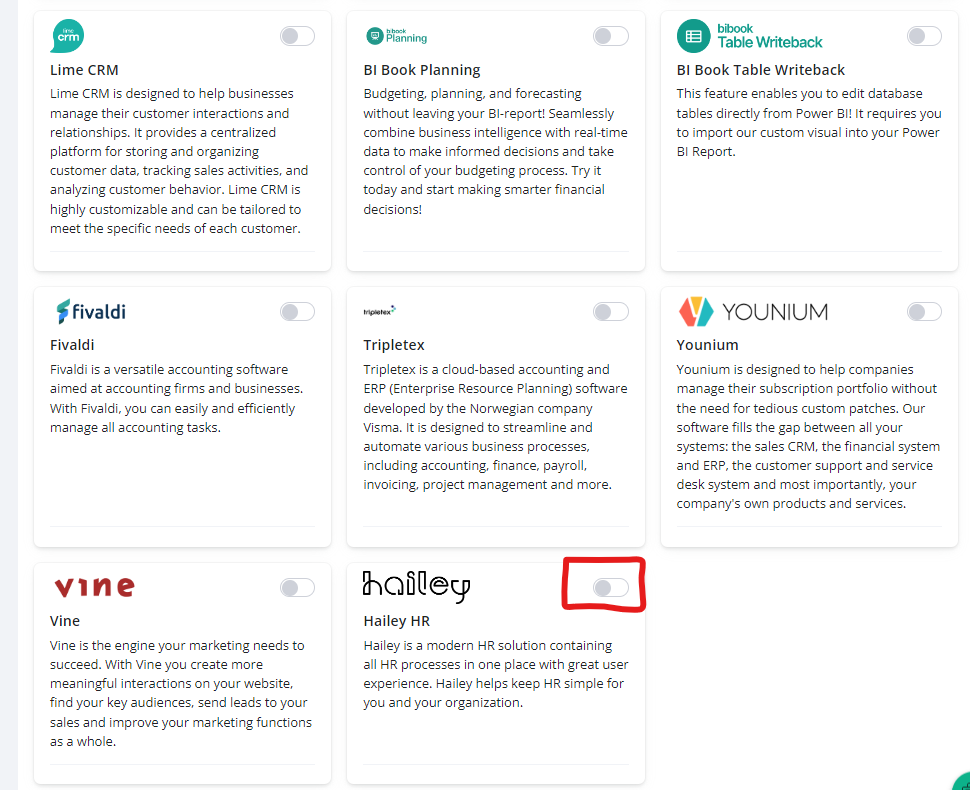
When you have generate the API Key log in to your BI Book environment, go Management -> Integrations -> Find Hailey HR connector and provide the API key.
The integration will start automatically after that.
About generating API key and good information about who should retrieves it can be found on: Hailey's API guide (haileyhr.com)
Was this helpful?
Still need help? Ask the team