How to activate Younium integration
Last updated 8 months ago
Instructions on how to connect Younium to BI Book
Log in to BI Book with administrative rights. Please refer to these instructions if you do not have a BI Book account.
Go to Management, choose the Integrations tab, and look for the Younium integration. Click the button next to it.
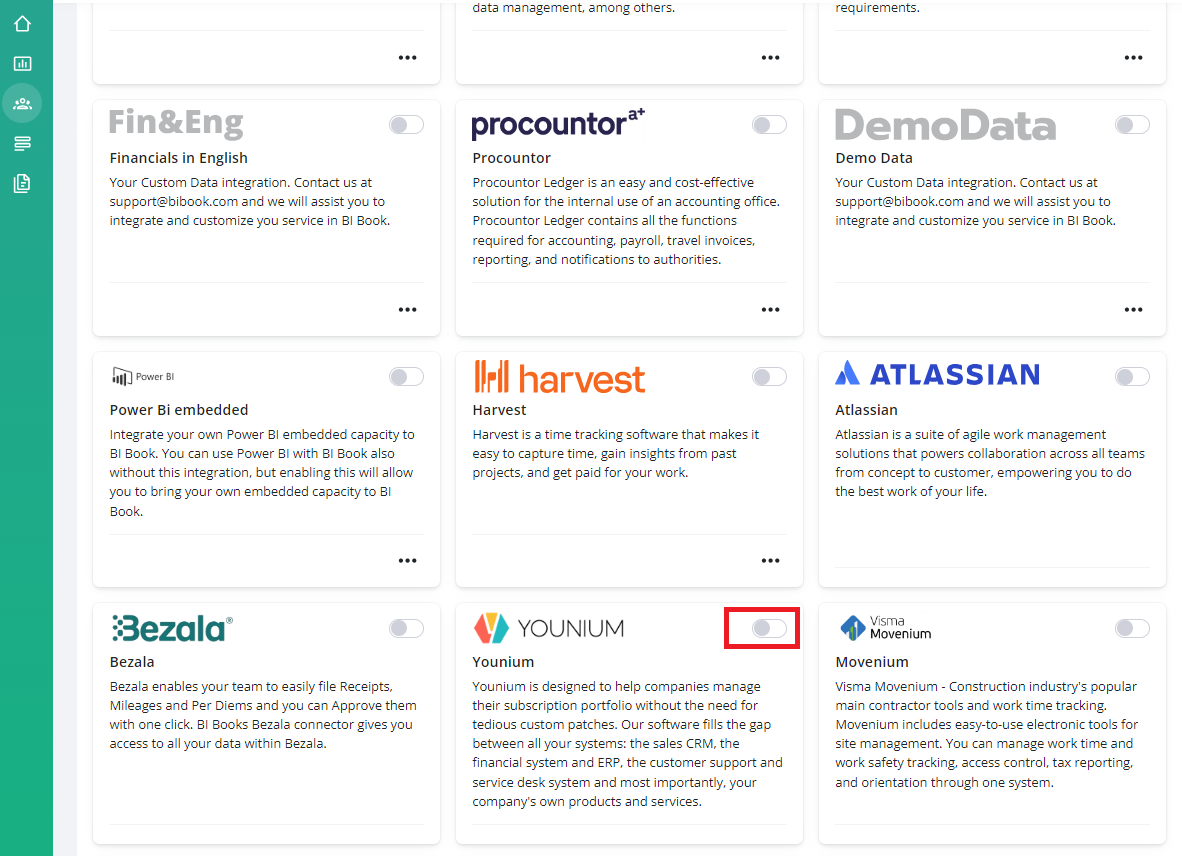
To activate Younium integration, provide BI Book ClientId, Secret and Legal entity.
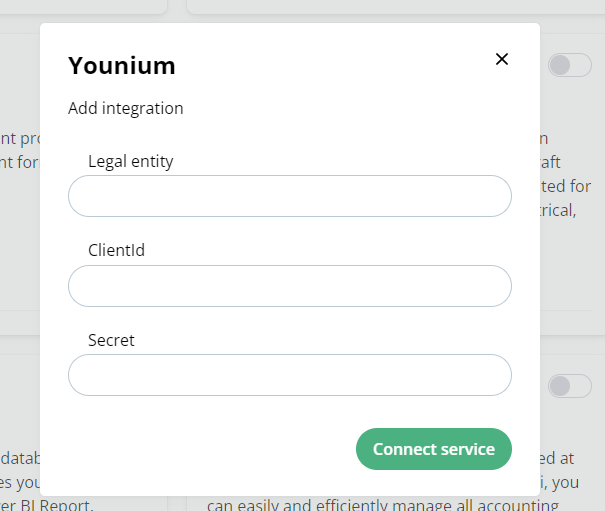
Instructions are from here: https://developer.younium.com/get-started
How to get ClientId and Secret
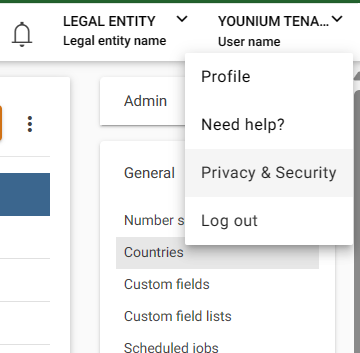
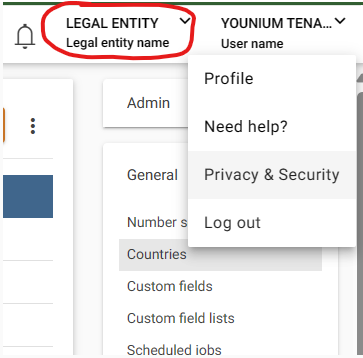
Open the user profile menu in the top right of the screen by clicking your name, select “Privacy & Security”.
Select “Personal Tokens” in the panel to the left and click “Generate Token”
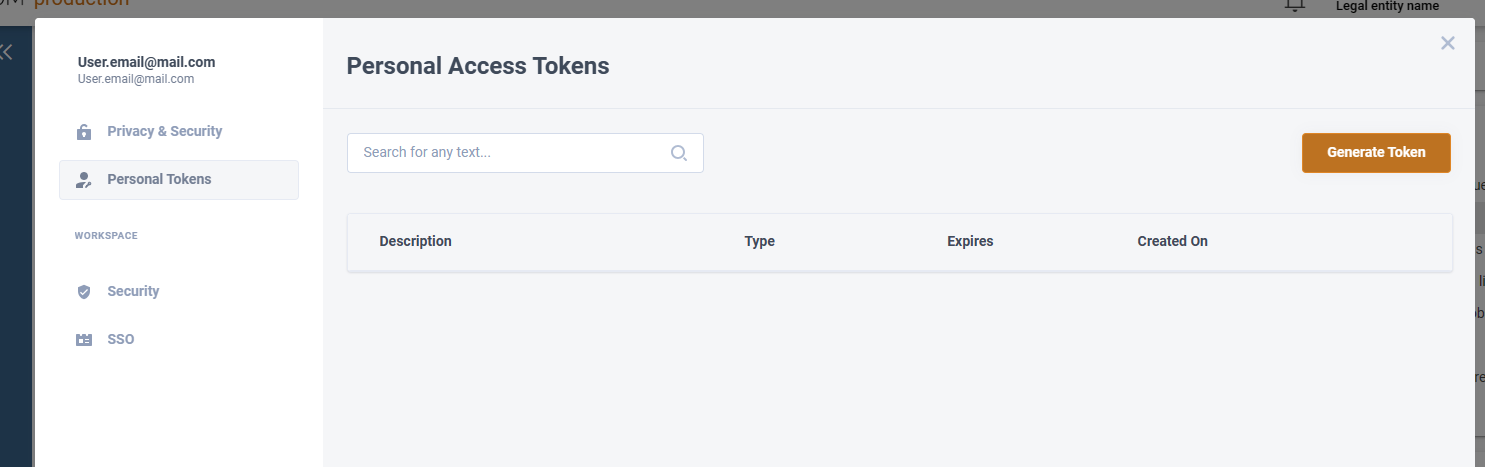
Write a relevant description Click “Create”.
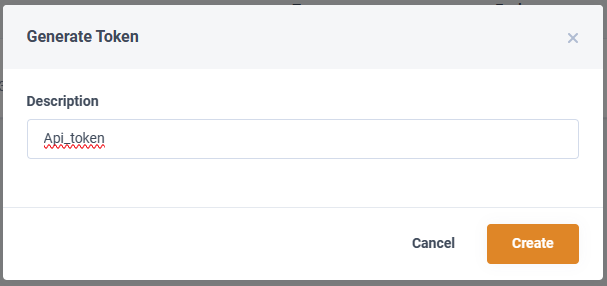
The Client and ID and Secret key is now generated and be visible. Make sure to copy the values now since they will never be visible again.
How to get Legal Entity:
This clientId and secret have only access to the legal entity where they are created. Provide BI Book the legal entity name:
Was this helpful?
Still need help? Ask the team