How to activate Fennoa integration
Last updated 8 months ago
You need to have a BI Book account to be able to connect your Fennoa data to BI Book. If you do not have BI Book account check the instructions here:
help.bibook.com/en/articles/how-to-activate-bi-book
Instructions on how to connect Fennoa to BI Book
Create a new API-user to Fennoa:
Adding an API-user requires root/admin user rights, which are usually used by the root/admin user of the accounting office.
A new API-user is being created from: Fennoa -> Users -> Create a new API-user.
Select the system to be integrated from the list by pressing "select"
Press the button (Create API-user)
Log in to BI Book administrative right. Please read the instructions of how to create BI Book environment if you do not have a BI Book account.
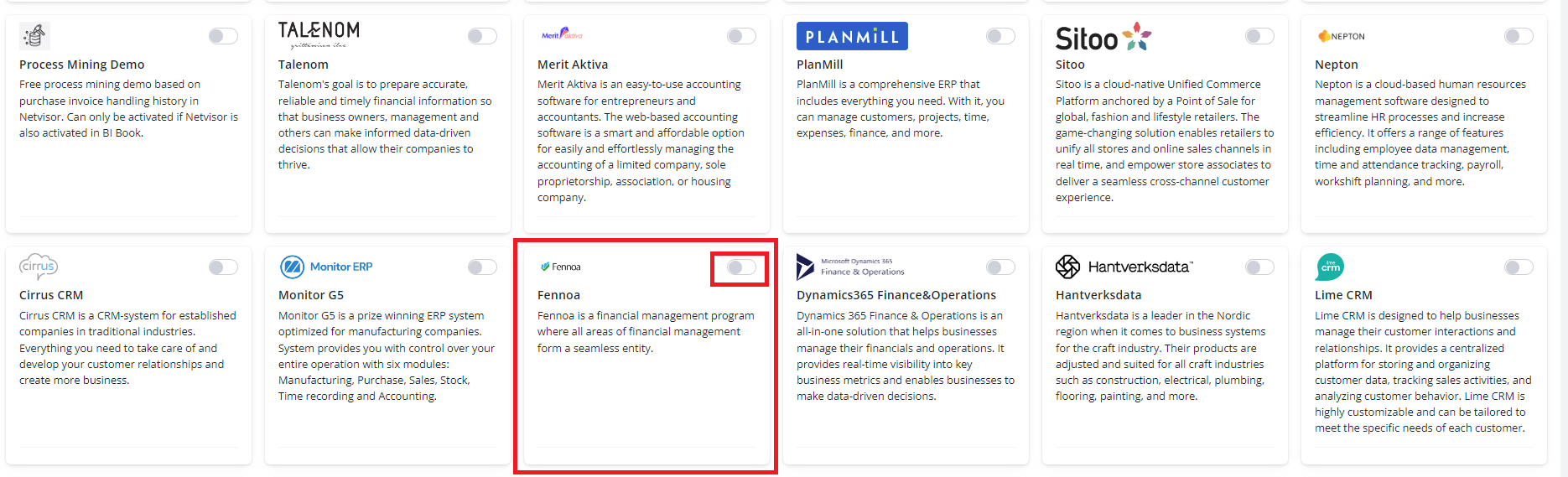
Go to Management, choose the Integrations tab, and click the button next to Fennoa name.
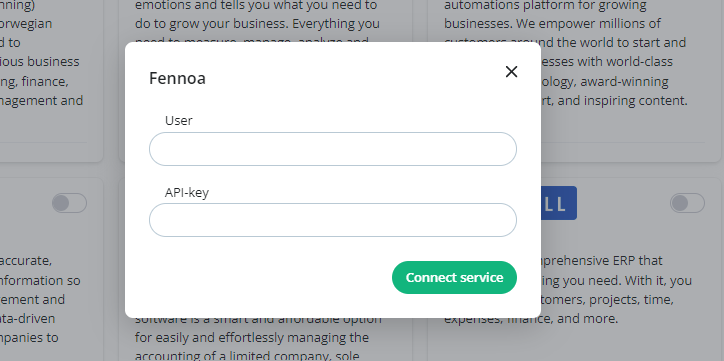
Provide the username and API-key you created before, then press "connect service"

When you have completed steps above integration will start automatically and the reports will be published as soon as the data has been retrieved. This can take up to a few hours, depending on the amount of data your account contains. Do not try to reactivate it.
If you need help with activation, please contact us - support@bibook.com
Was this helpful?
Still need help? Ask the team