How to activate Abacus integration
Last updated 8 months ago
Look instructions from Abacus official documentation or ask your Abacus ERP-specialist for credentials.
Give all read accesses.
No post accessses.
Once Oauth credentials are created:
Log in to BI Book with administrative rights. Please refer to these instructions if you do not have a BI Book account.
Go to Management, choose the Integrations tab, and look for the Abacus integration. Click the button next to it.
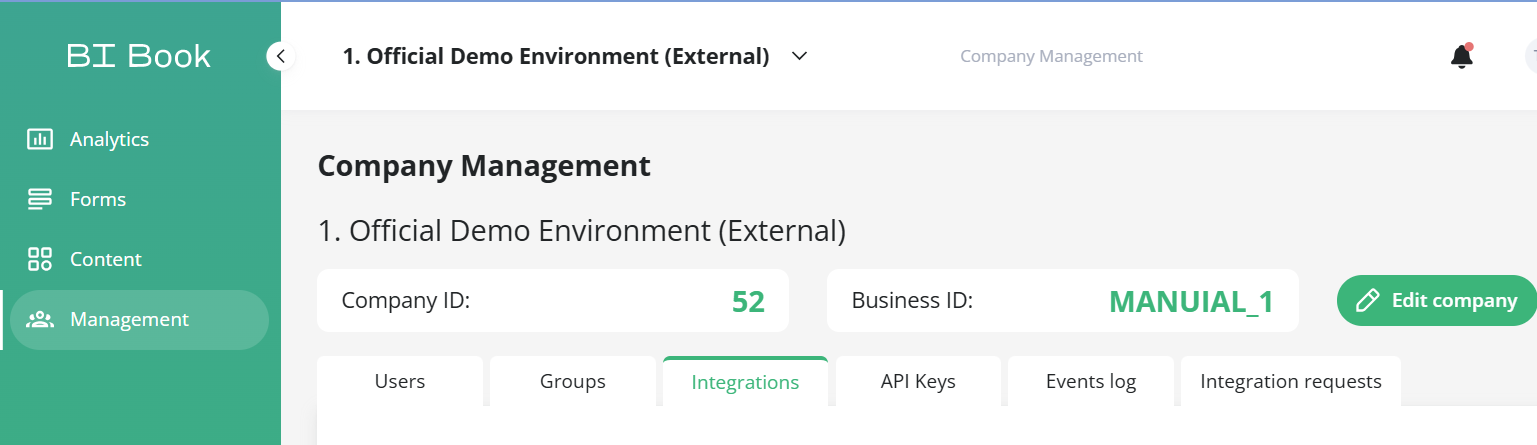
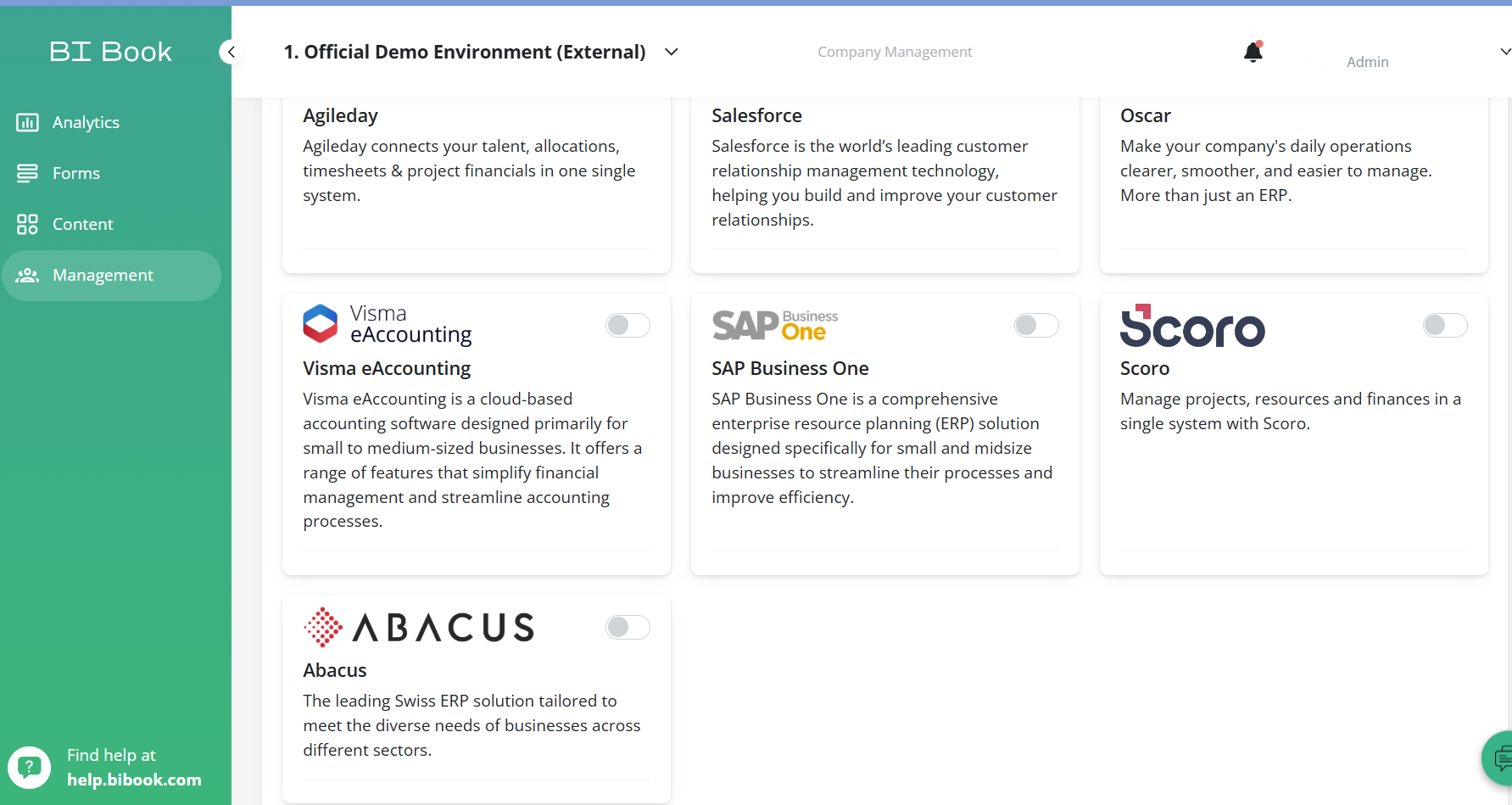

Fill out the form:
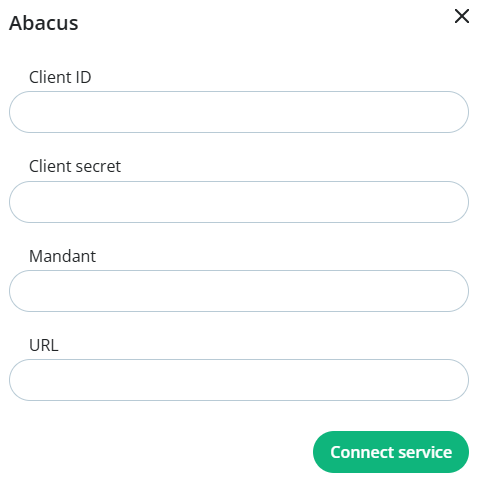
Reference inputs
Client ID and secret eg.
g0gaa454-c8d4-abcd-77b2-g123a0b456cd
mandant eg.
2467
base_url eg.
Was this helpful?
Still need help? Ask the team