How to activate Shopify Integration
Last updated 8 months ago
Instructions on how to connect Shopify to BI Book
Create new App and authentication token on Shopify
Go to Shopify stores admin page https://admin.shopify.com/store/{your_store_name}
Select Settings (bottom left corner)
Select Apps and sales channels
Select Develop apps
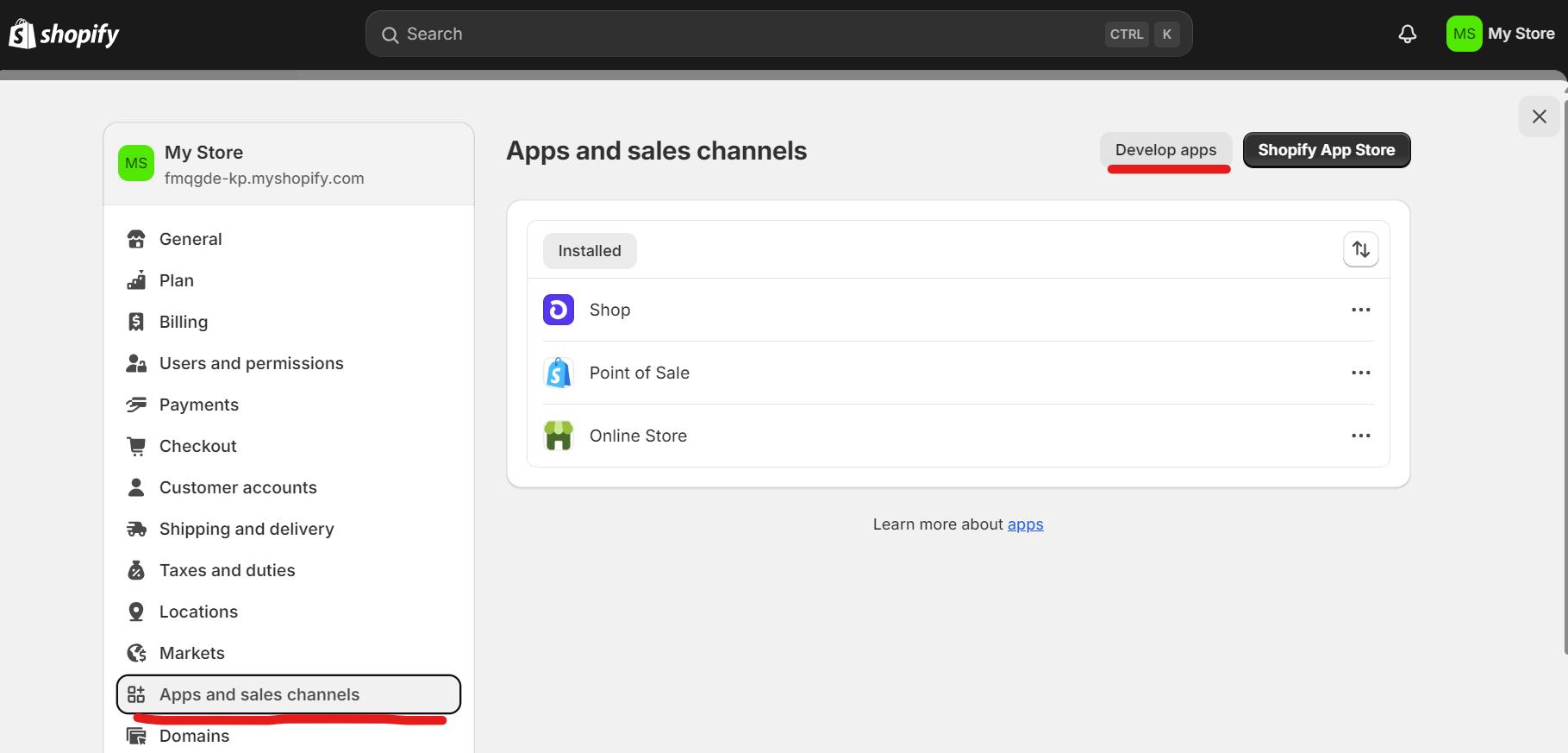
Select Create an app
Type app nameeg. BI Book Integration
Select API Credentials
Select Configure Admin API scopes
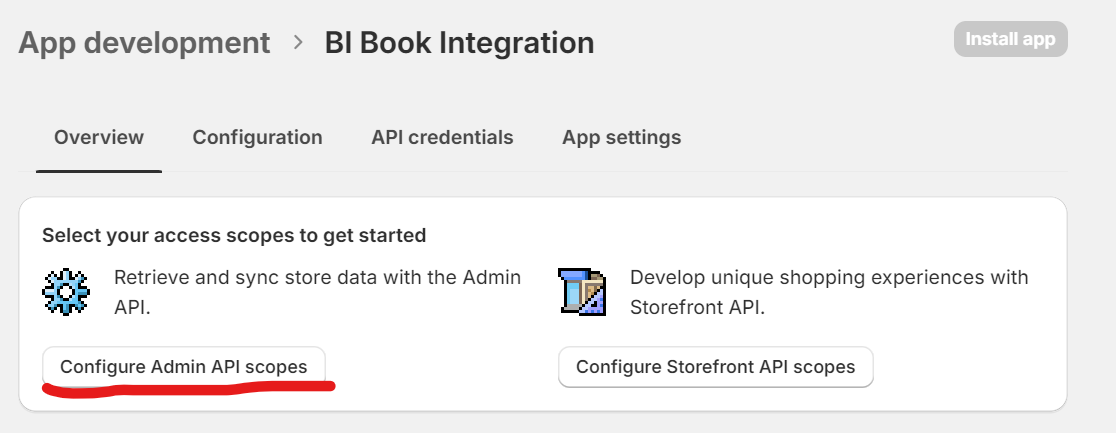
Select every access scope that begins with read_eg. read_products, read_orders, read_inventory, etc
Leave all other options as defaults
Click Save
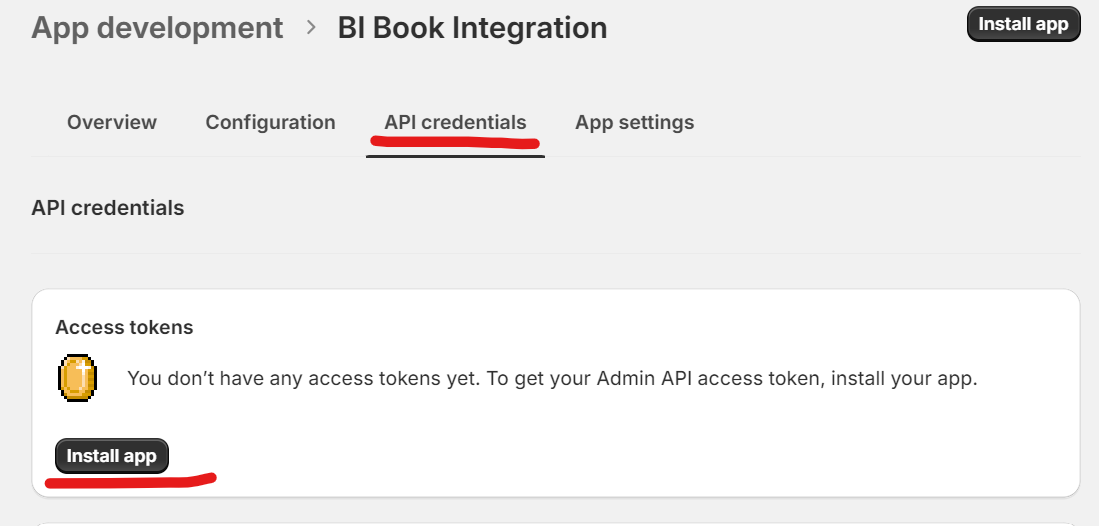
Select API Credentials
Select Install app
Select Install
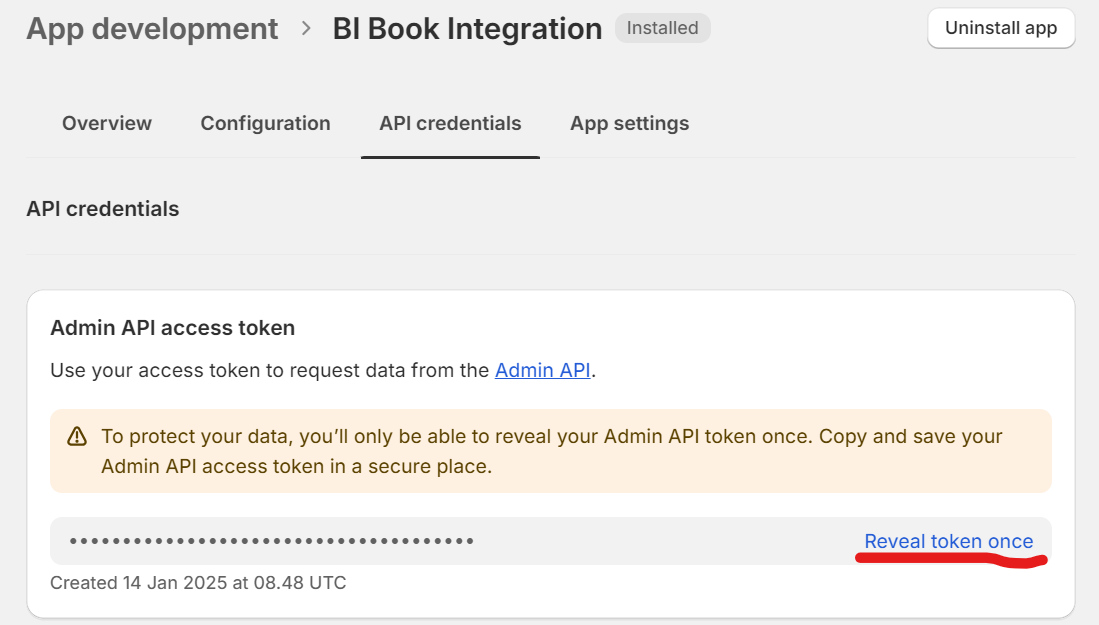
Select Reveal token once
Copy and save the text to secure locationText is the Admin API access token
Activate the integration on BI Book
Log in to BI Book administrative right. Please read the instructions of how to create BI Book environment if you do not have a BI Book account.
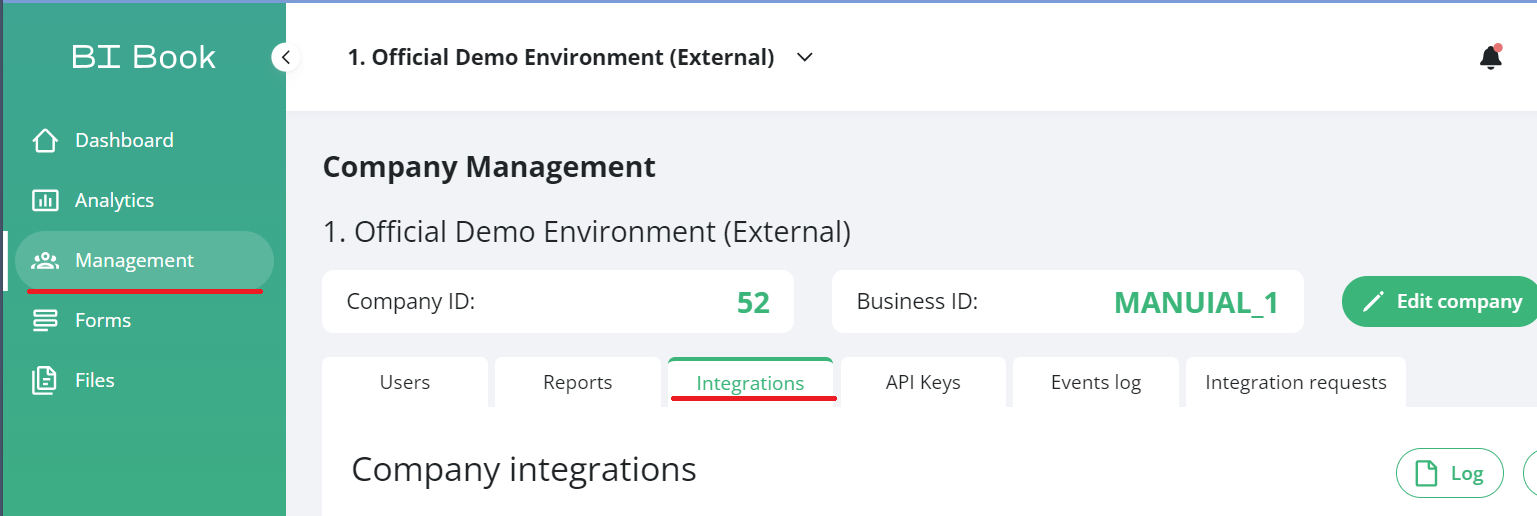
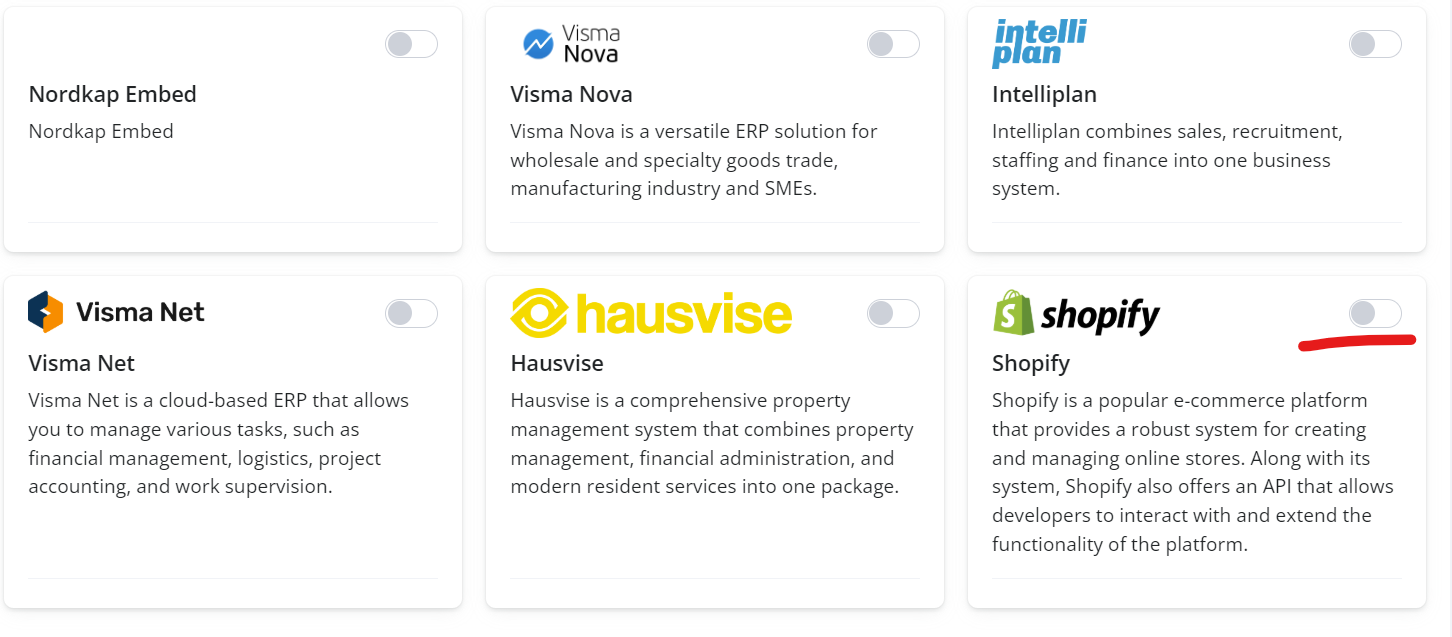
Go to Management, choose the Integrations tab, and click the button next to Shopify name.
Provide the store url and Admin API access tokenStore nameeg. bibook.myshopify.com
Admin API access token
eg. shpat_a12345b67890cde12345f6g67890hij1
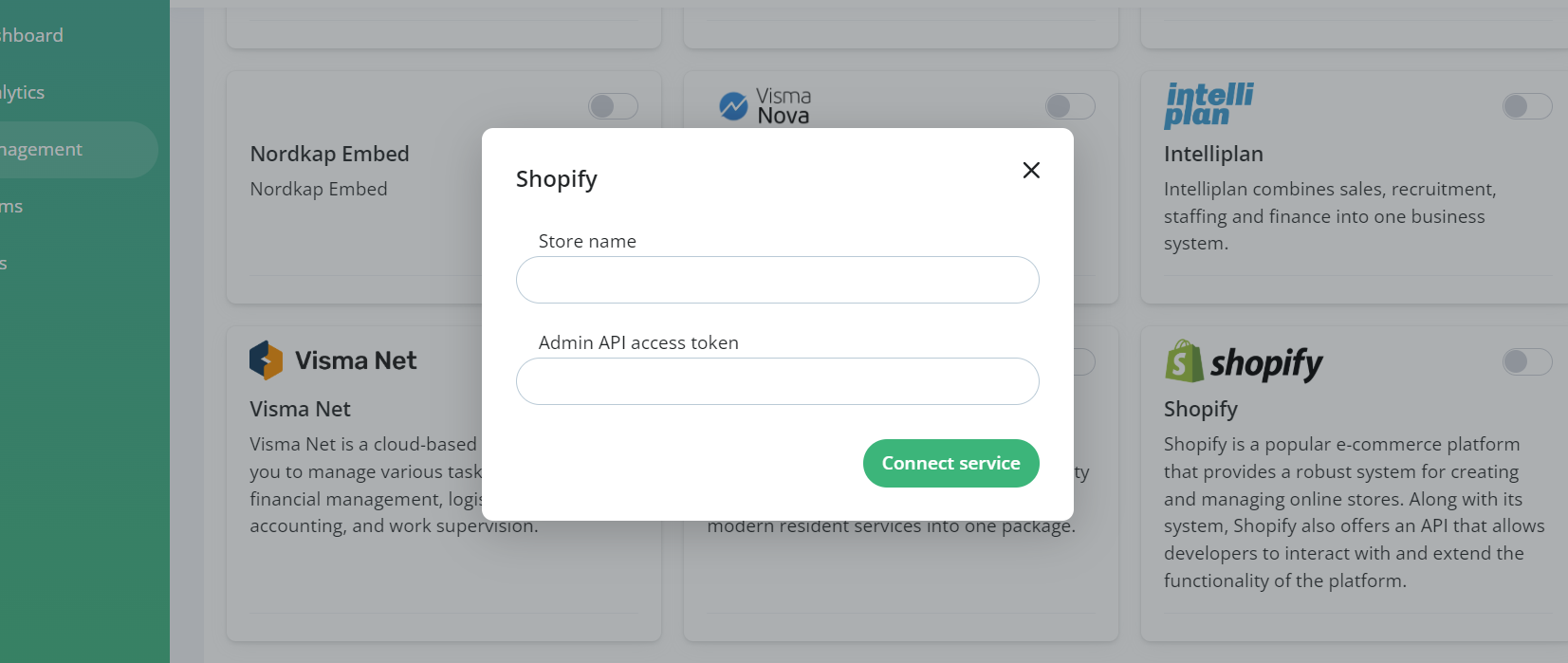
Select Connect service
The activation supports the activation of several stores at the same time, as long as the stores are separated by a comma and in the same order on store name and access token field. Example: where shpat_12343 is bibook-fi.myshopify.com token, shpat_942gdaf is newstore-de.myshopify.com token, etc.
Store name: bibook-fi.myshopify.com, newstore-de.myshopify.com, bibookold.myshopify.com
API Access token: shpat_12343, shpat_942gdaf , shpat_123abc
Was this helpful?
Still need help? Ask the team