How to activate Xero Integration
Last updated 8 months ago
Instructions on how to connect Xero to BI Book
Connecting Xero to BI Book is super easy. Follow this step-by-step guide and you will be done in a matter of minutes.
Log in to BI Book with administrative rights. Please refer to these instructions if you do not have a BI Book account.
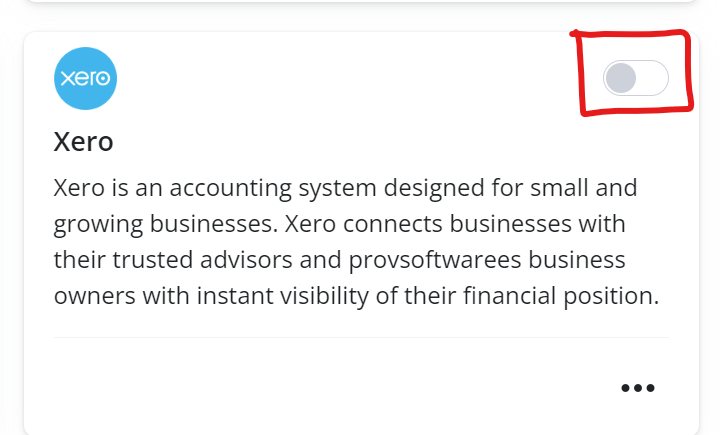
Go to Company management, choose the Integrations tab and click on the Xero Connect service button
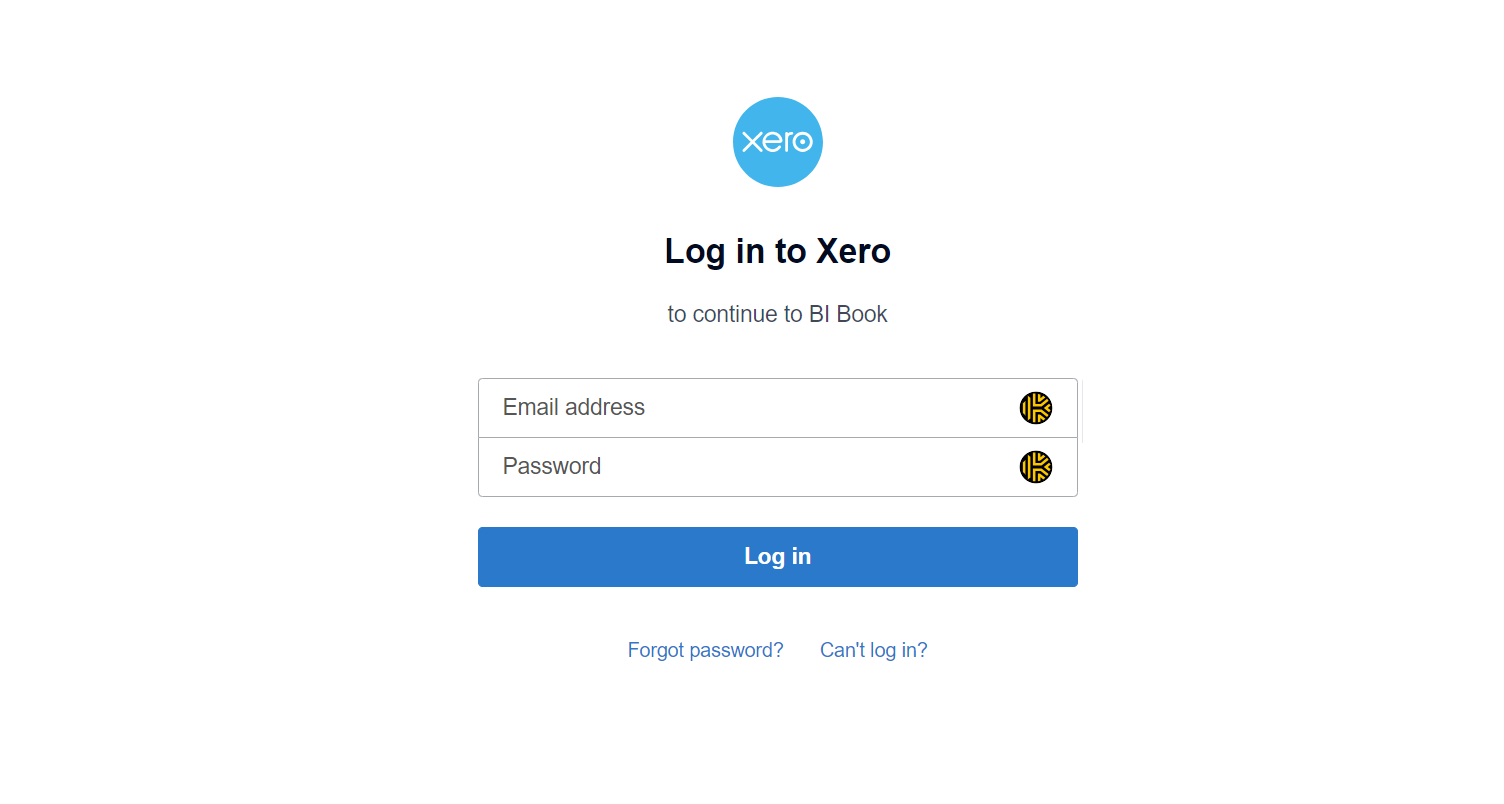
You will be redirected to Xero where you'll need to login (If you have popup blocker it will need to be disabled to proceed).
Select your organisation in Xero that BI Book will access, then Authorise Access. You have now activated integration.
Was this helpful?
Still need help? Ask the team