Release 2026 - 13.0
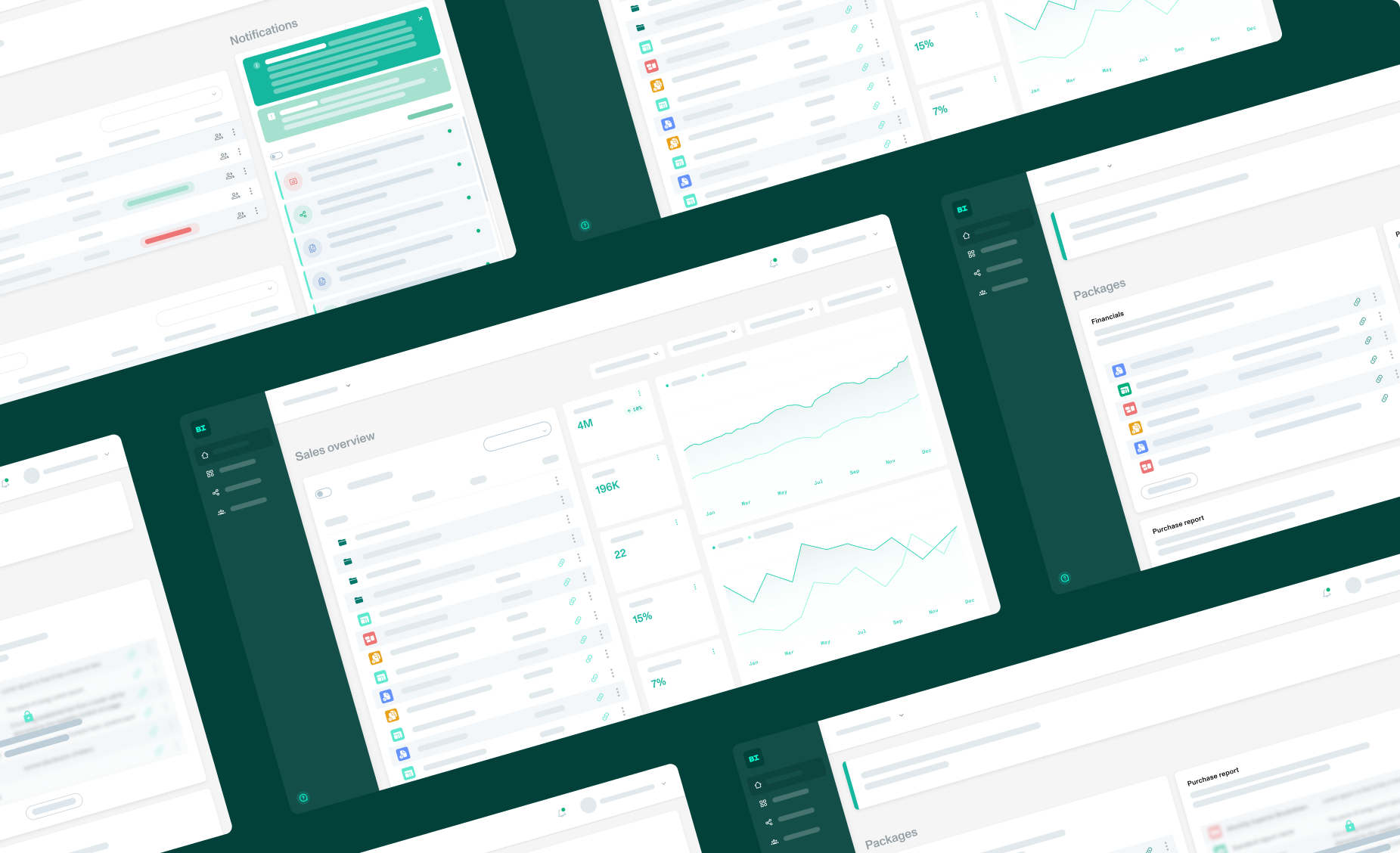
Our latest BI Book release is live. Connecting your own Power BI capacity is now simpler, more flexible and more secure.
Here's what's new:
Bring your own capacity: a redesigned setup and more control over where your reports live. Details below.
Files public API: fixes to the endpoints.
Smaller improvements across the product.
Coming in mid-October: the BI Book onboarding tour. A brand new guided tour to help new users find their way around BI Book. It's built into this release but switched off while we finish the tour content. We'll let you know when it goes live.
Bring your own capacity: what's changed
✅Easier activation. Connecting your own Power BI tenant now takes just two steps.
✅Use as many workspaces as you need. Previously, bring your own capacity was limited to a single workspace. BI Book now keeps track of which tenant each report lives in, so you can use reports from any number of workspaces.
✅Choose where each report lives. When you add or update a report, you can now mark it as a report in your own tenant. Reports without this setting keep running in the BI Book tenant, just as before.
✅Clear feedback when something's missing. If BI Book can't access a report you're adding, for example because access rights are missing, you'll see an error message straight away. No more guessing why a report won't load.
✅Smoother report loading. We've reworked how reports from your own tenant are loaded, making the process more efficient behind the scenes.
Read more at Bring your own capacity - BI Book.