Planning 1.0.1.2
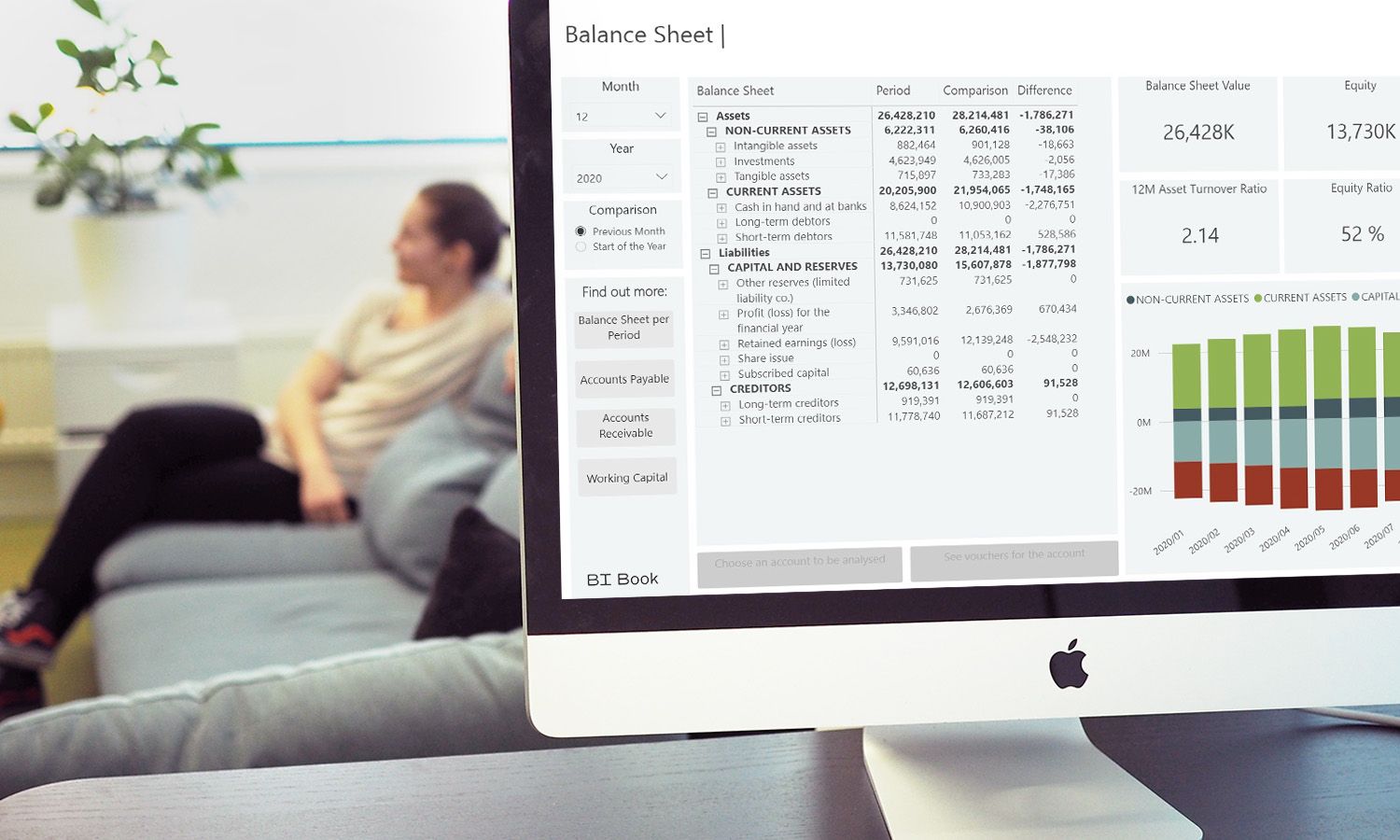
We are pleased to announce that the new Planning package has been published to Microsoft AppSource.
It will be automatically updated in your reports within approximately two weeks.
The new package introduces new features:
Saving calculated columns to database. Learn more at BI Book Planning - Calculated Columns
New formatting option: tabular layout. Learn more at Planning layouts - BI Book
Additionally, it contains the following improvements:
✅Fixed: slicer filters on Planning rows now refresh immediately, without needing to switch report pages back and forth to trigger the update.
✅Improved: comment markers now display only on the value-measure cell, instead of also appearing on helper cells.
✅Improved: key board navigation experience. Check out this article for more details Plan Faster in BI Book Planning: Keyboard Shortcuts That Save You Time - BI Book
✅Improved: users now see a clear error message when their API token is invalid, instead of a generic or missing error.
✅Fixed: undo actions now fully clear cell contents, instead of leaving residual data behind.
✅Fixed: jumping bug with multilevel column hierarchy.
✅Fixed: right-click menu is now available on the grand total row.
✅Fixed: Hovering over locked grand total cells no longer turns the font white, making the text unreadable against the background.