Switching between environments
Last updated 8 months ago
A user may have access to multiple companies in BI Book. The instructions show how the user can switch between the environments / companies.
Prerequisites
You must have access to the environment / company
You must be logged in to the BI Book
How to
Step 1. Click the small arrow next to the company name on the top bar, and the list of your environments will open.
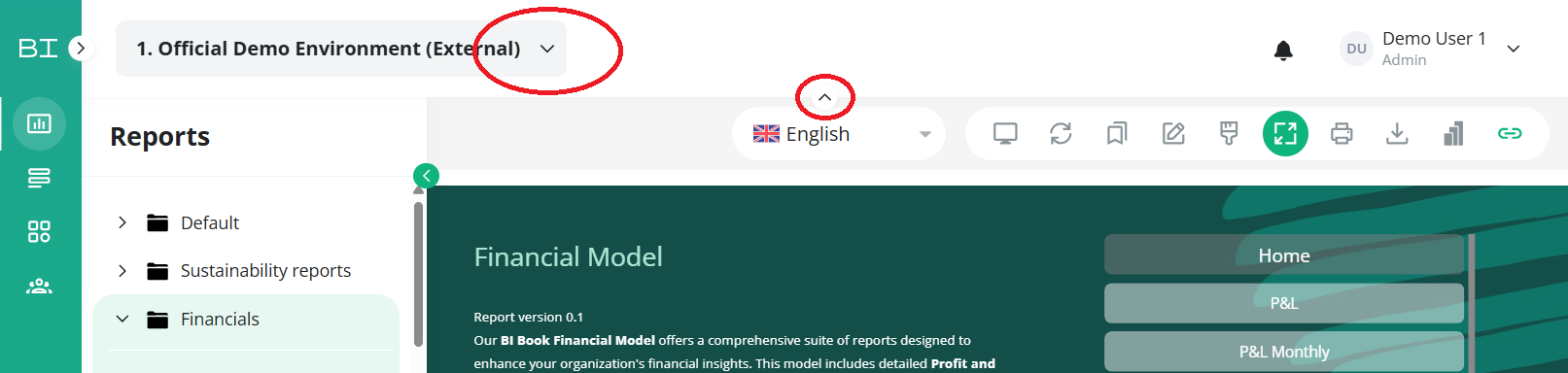
Step 2. Choose the company which you want to view from the list and click it.
💡TIP: If you cannot see company name you might need to expand the top bar by pressing the little arrow in the top center of the page.
Was this helpful?
Still need help? Ask the team