How to activate Pro Economica Premium
Last updated 8 months ago
Log in to BI Book with administrative rights. Please refer to these instructions if you do not have a BI Book account.
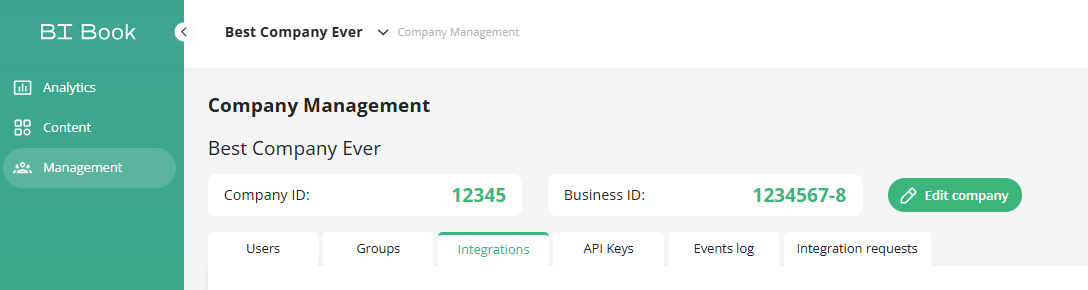
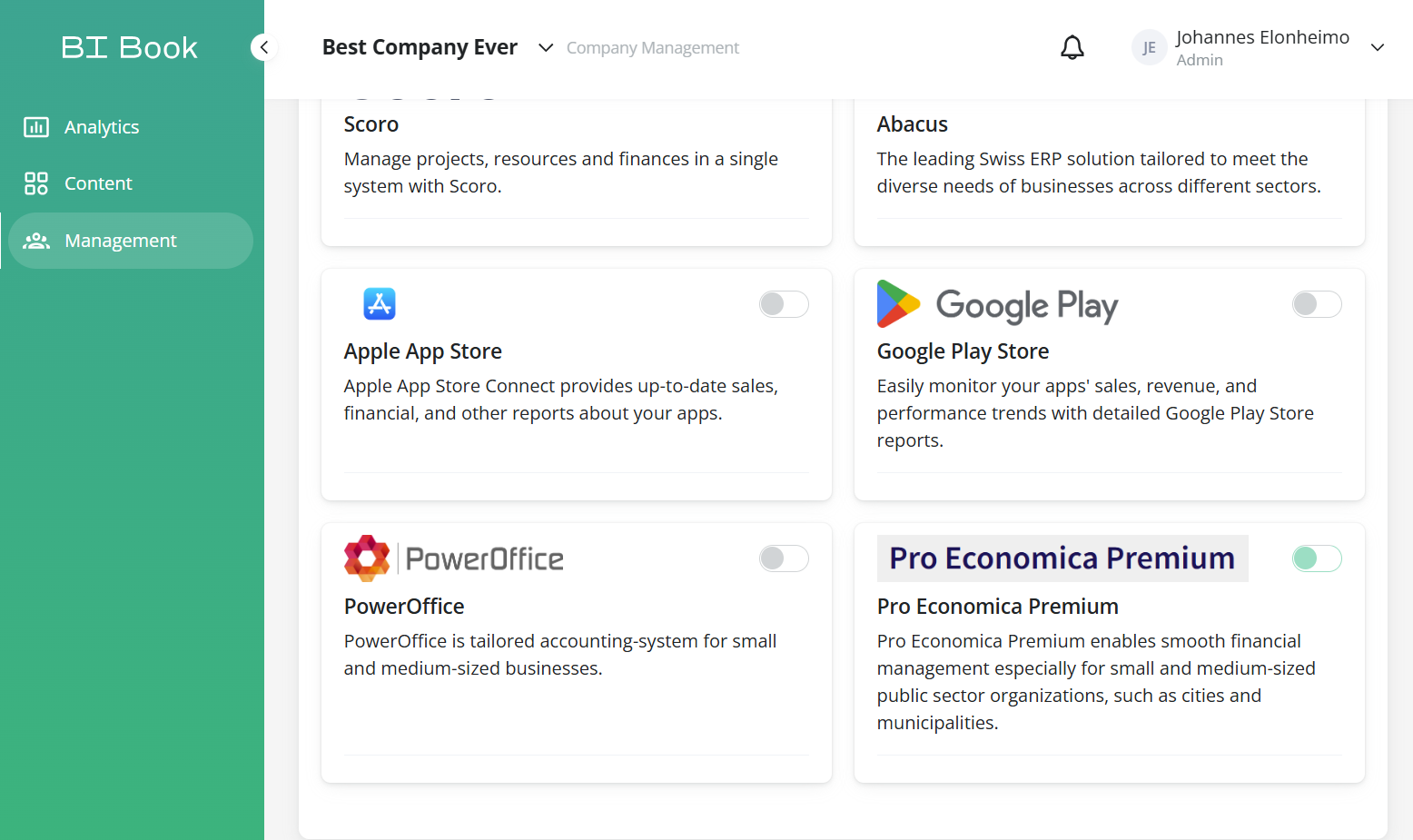
Go to Management, choose the Integrations tab, and look for the Pro Economy Premium integration. Click the button next to it.
Contact you Pro Economica Premium support person from CGI to establish automatic nightly file exports to Greenstep SFTP server with specification given by analytics consultant.
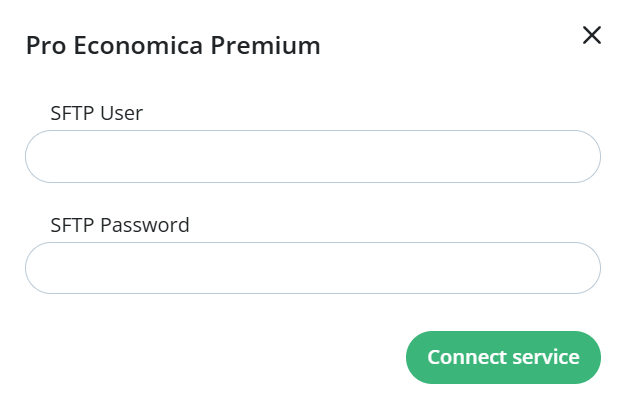
Input sftp credentials where root folder will contain the transfer files:
Was this helpful?
Still need help? Ask the team